
A4Tech FX53 and FX55 are two wired minimalist keyboards designed for office and home work scenarios. Both models use a scissor-switch mechanism, feature a simple design, and are compatible with both Windows and macOS. The main differences between them lie in the shape of the casing, dimensions, and the set of hotkeys. In this review, we will analyze the design, ergonomics, and user experience in everyday tasks, as well as determine which model suits better.
Video Review of A4Tech FX53 and FX55
Source: TechnoGuide
Package, Connectivity, and Compatibility
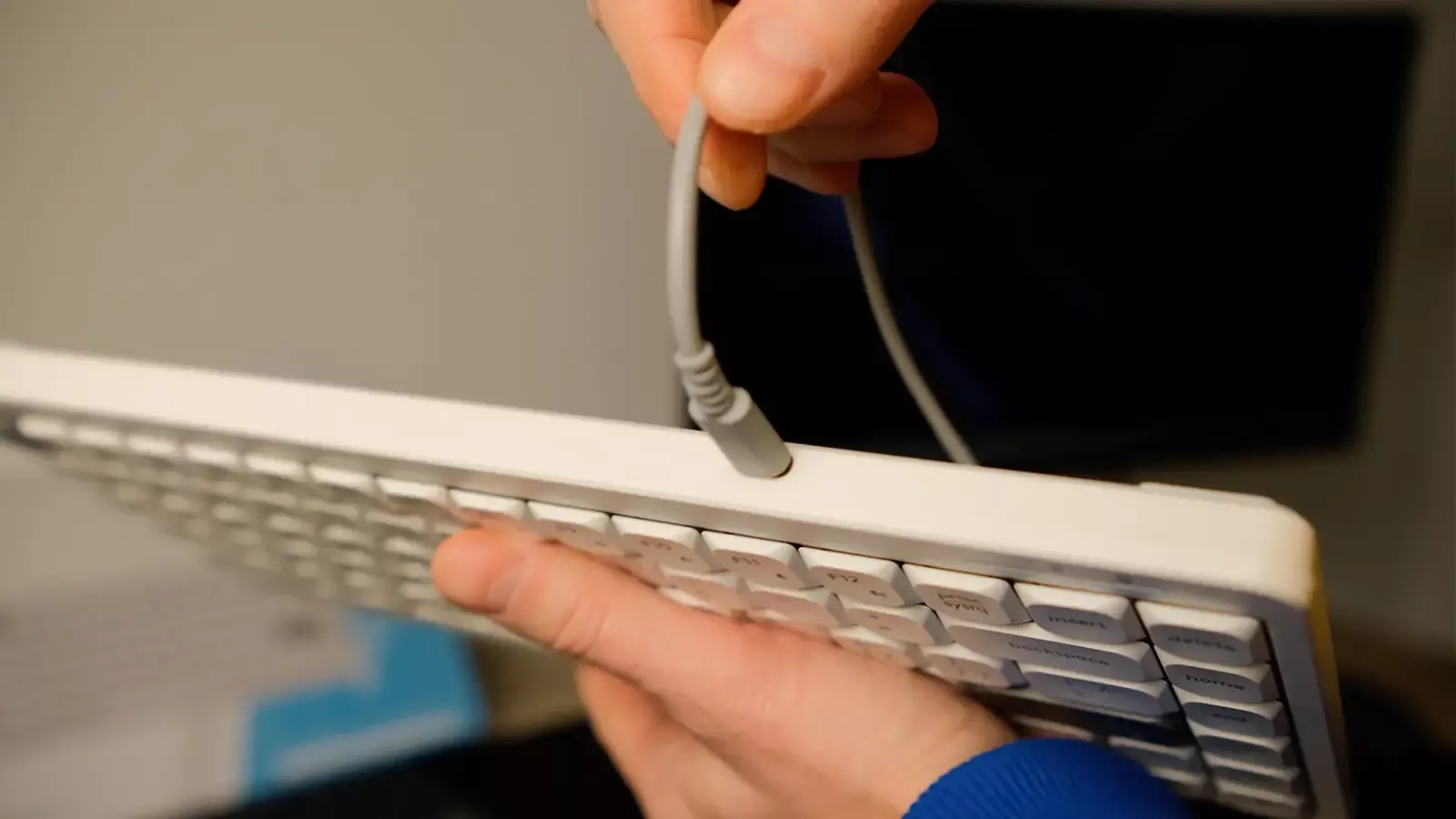
The basic package consists of the keyboard itself, a detachable cable, and documentation. Both models use a detachable cable, which is a significant advantage. Such accessories are designed for long-term use, as the cable can often become a weak point — over time, it may wear out or become damaged, leading the user to have to buy a new keyboard. In the case of A4Tech FX53 and FX55, this problem does not arise, as the cable can be easily replaced with any compatible one.
Both keyboards are automatically recognized by the system without the need to install drivers; multimedia functions work through the Fn key, and the buttons have corresponding markings for Windows and macOS. Thus, these keyboards are fully compatible with both operating systems.
Design and Build Quality
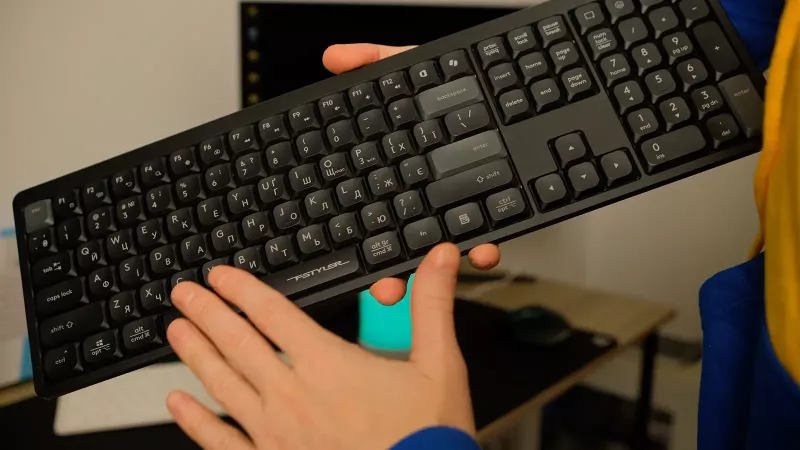
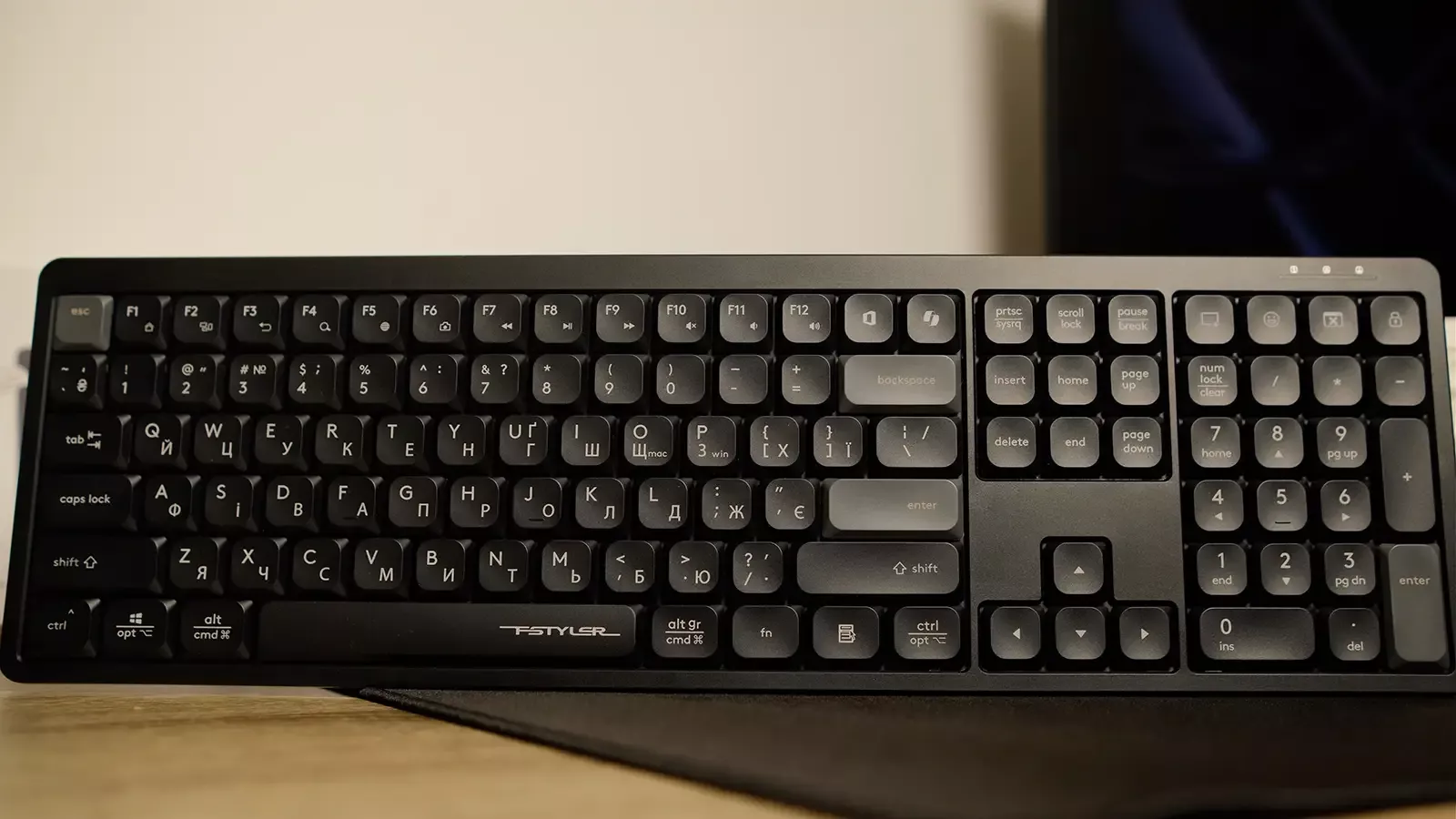
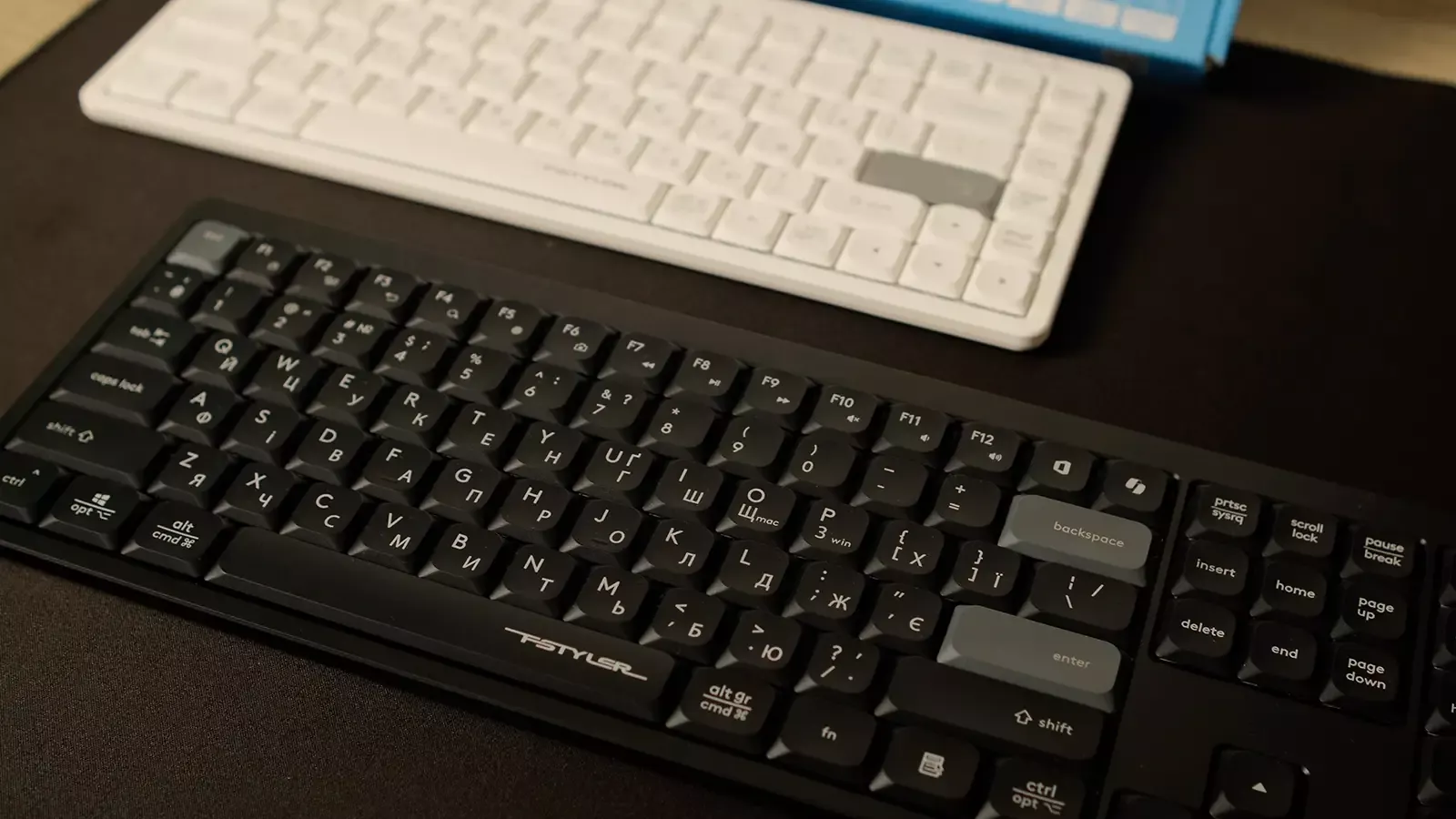
A4Tech FX55 has a full-size format with a numeric keypad. The body is made in a classic style, without embellishments, and the surface is matte. At the same time, A4Tech FX53 is released for those who prefer compact accessories to save space on their desk. Despite both models belonging to the same series, their differences are apparent at first glance: FX55 looks like a classic office keyboard, while FX53 has a more compact silhouette, resembling a laptop keyboard in a desktop version.
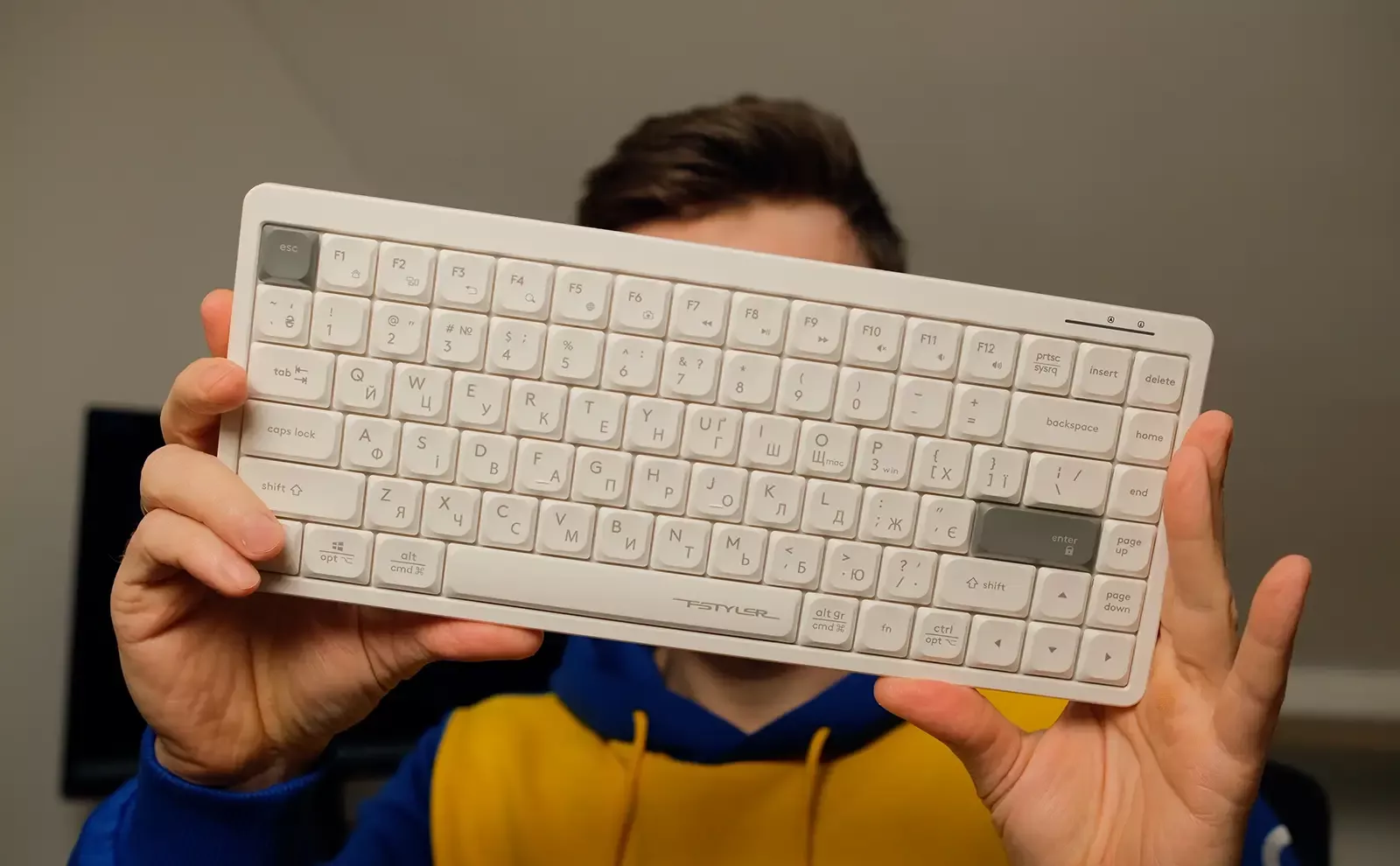
The build quality of the keyboards is noteworthy: the bodies do not creak, there is no play, and the keyboards sit stably on the desk. The materials used are practical — the matte texture effectively hides signs of use, and the rigidity of the construction adds a sense of solidity.
Ergonomics, Tilt Angle, and Stability on the Desk
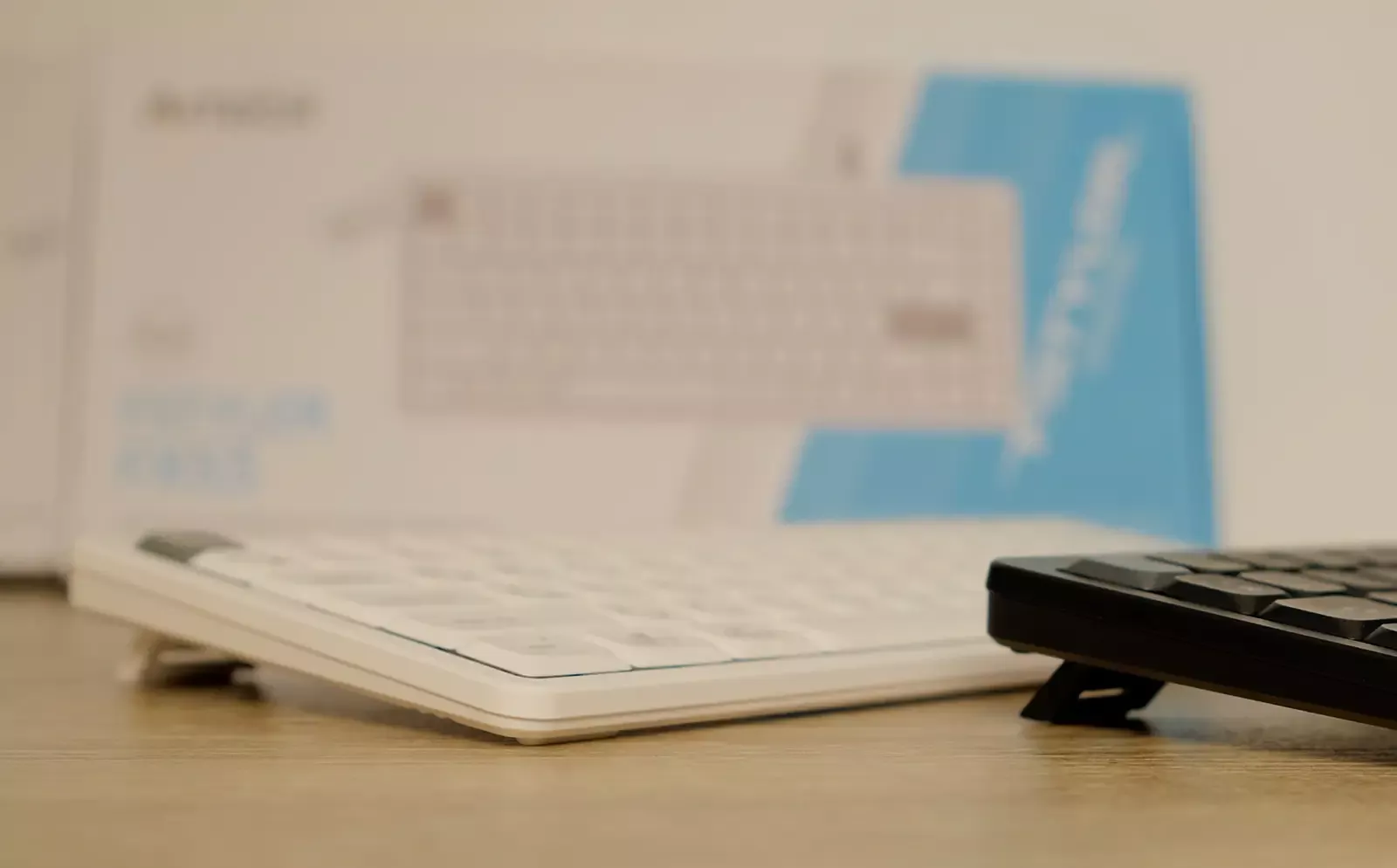
Both models can lie on the table in a horizontal position or be positioned at a minimum angle of 5 degrees or a maximum of 8 degrees — you can choose the option that is more comfortable for you.
The bottom side of the keyboards is equipped with large rubber inserts that prevent slipping on laminated or polished surfaces. Rubber elements are also present on the foldable legs, which increases stability when placed at an angle.
Keycaps and Switches
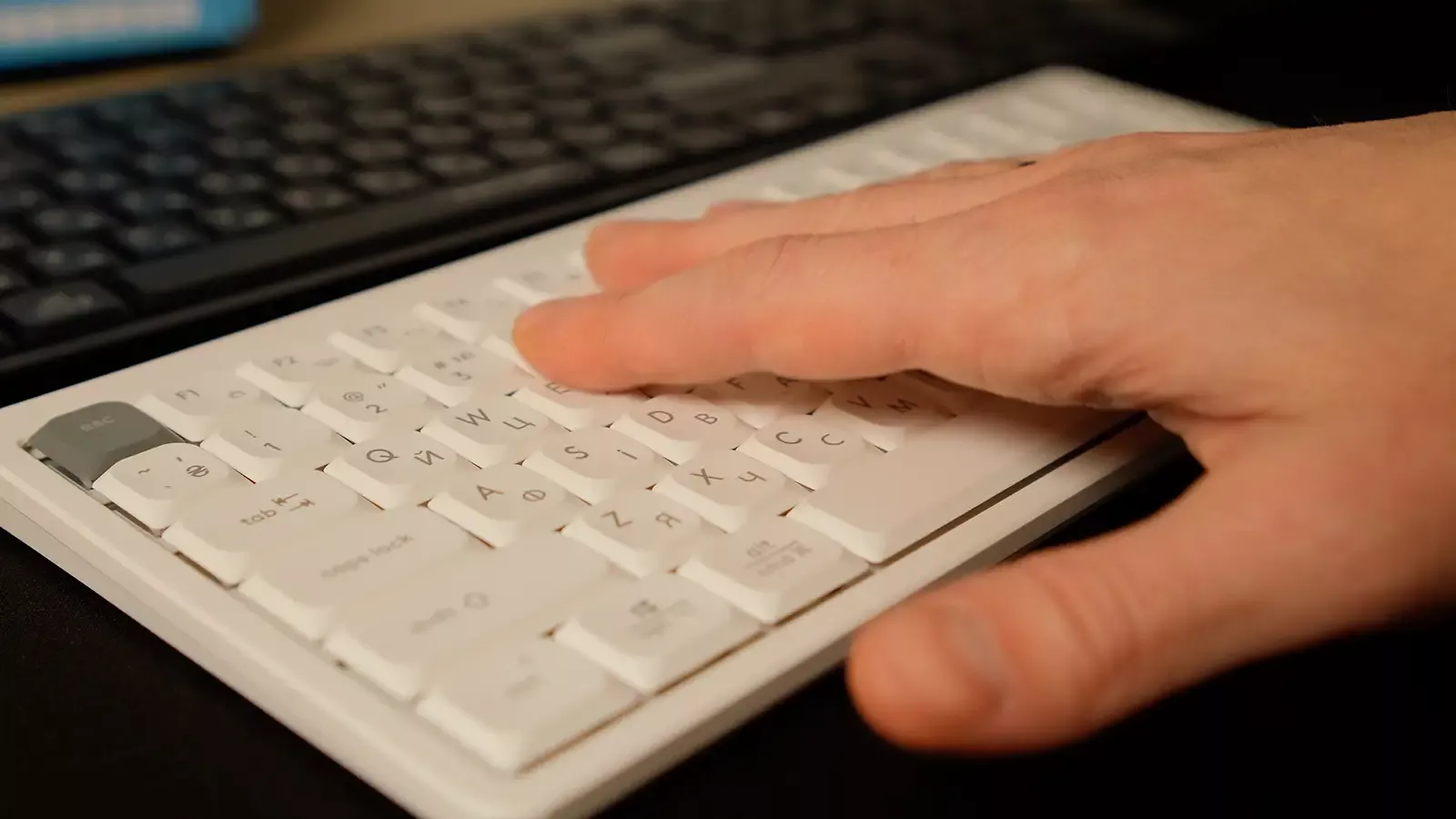
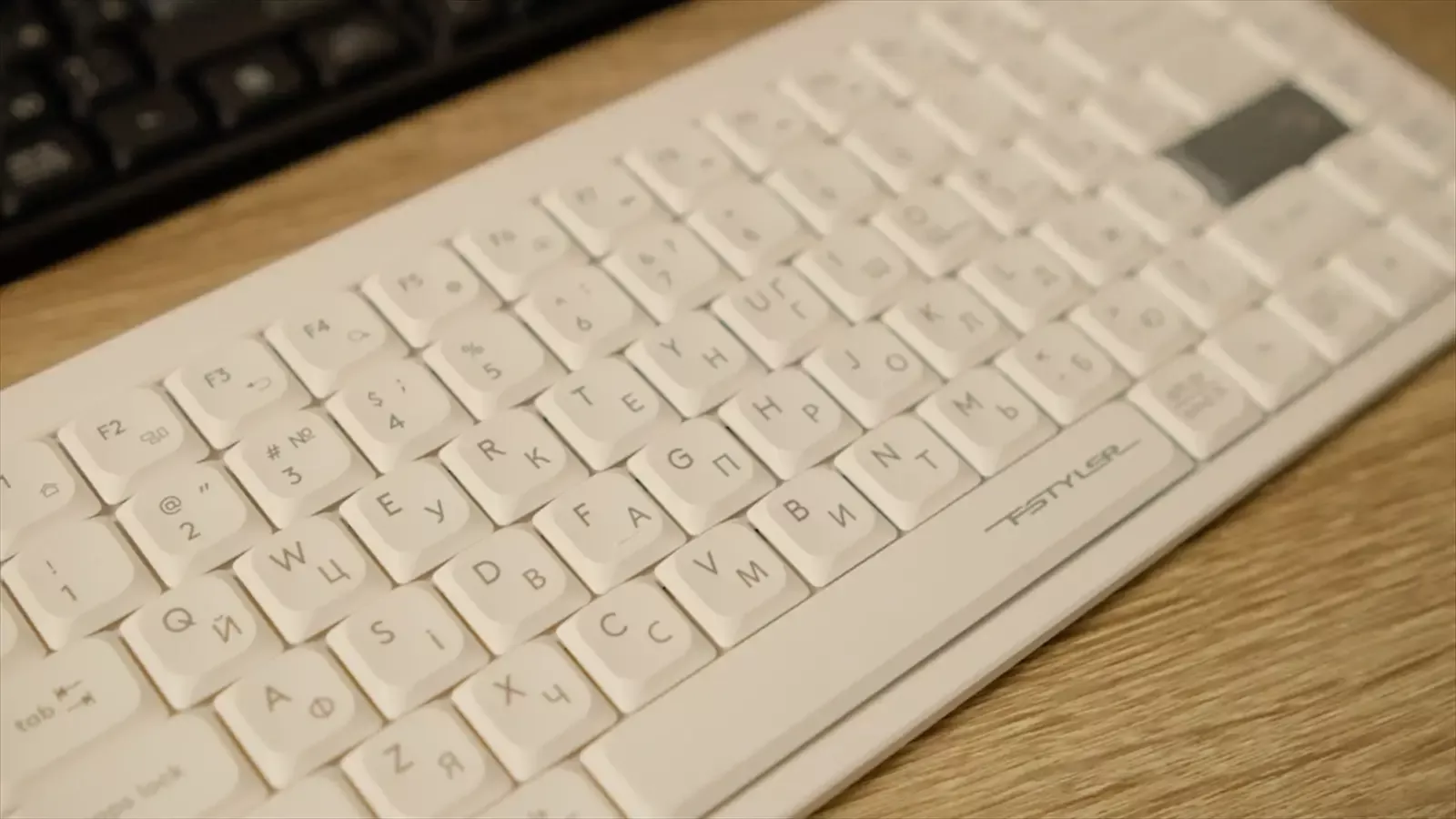
Both models use the same switch design — scissor switches with a short travel. The form factor of the keycaps is low-profile, with characteristic slopes that allow fingers to "find" the center of the key during touch typing. Laser engraving of symbols ensures the durability of the markings; versions with a dual English and Ukrainian layout are available on the market.
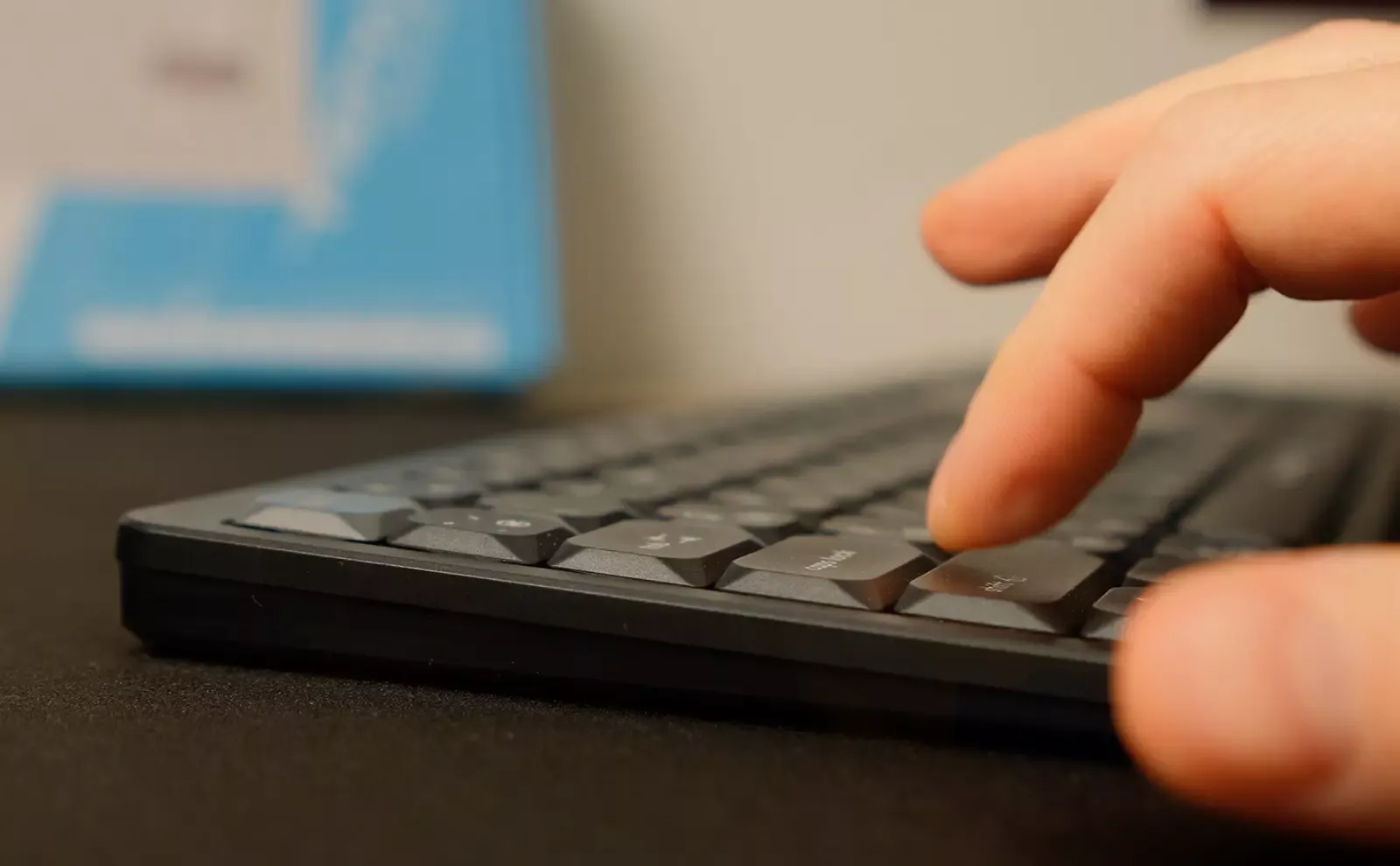
Both keyboards are characterized by very quiet operation. They are ideal for those who frequently type large volumes of text, as well as for working in the company of colleagues or at home. This is truly a convenient option for situations where noise from keystrokes needs to be minimized. During typing, you will only hear a soft rustle without the characteristic click.

Typing Feel and Speed of Work
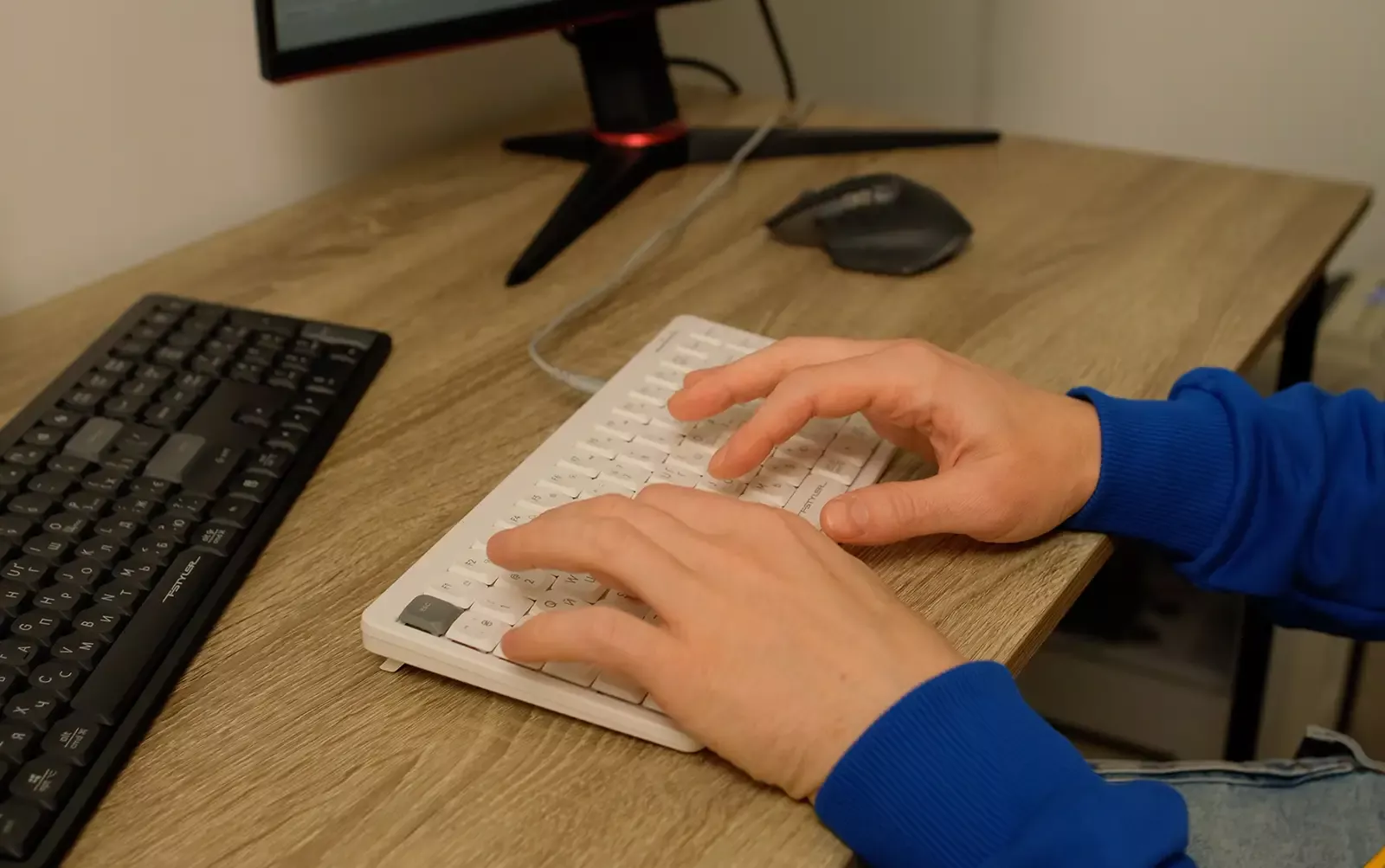
The short travel of the scissor mechanism allows for typing large volumes of text — hands get less tired, fingers easily glide across the surface, and the completion of a keystroke feels like a soft landing without a distinctly pronounced click. For those accustomed to laptop keyboards, the adaptation period will be almost imperceptible — you won’t notice any difference. Typing on such keyboards is a true pleasure.
Layout, Functions, and Work Scenarios
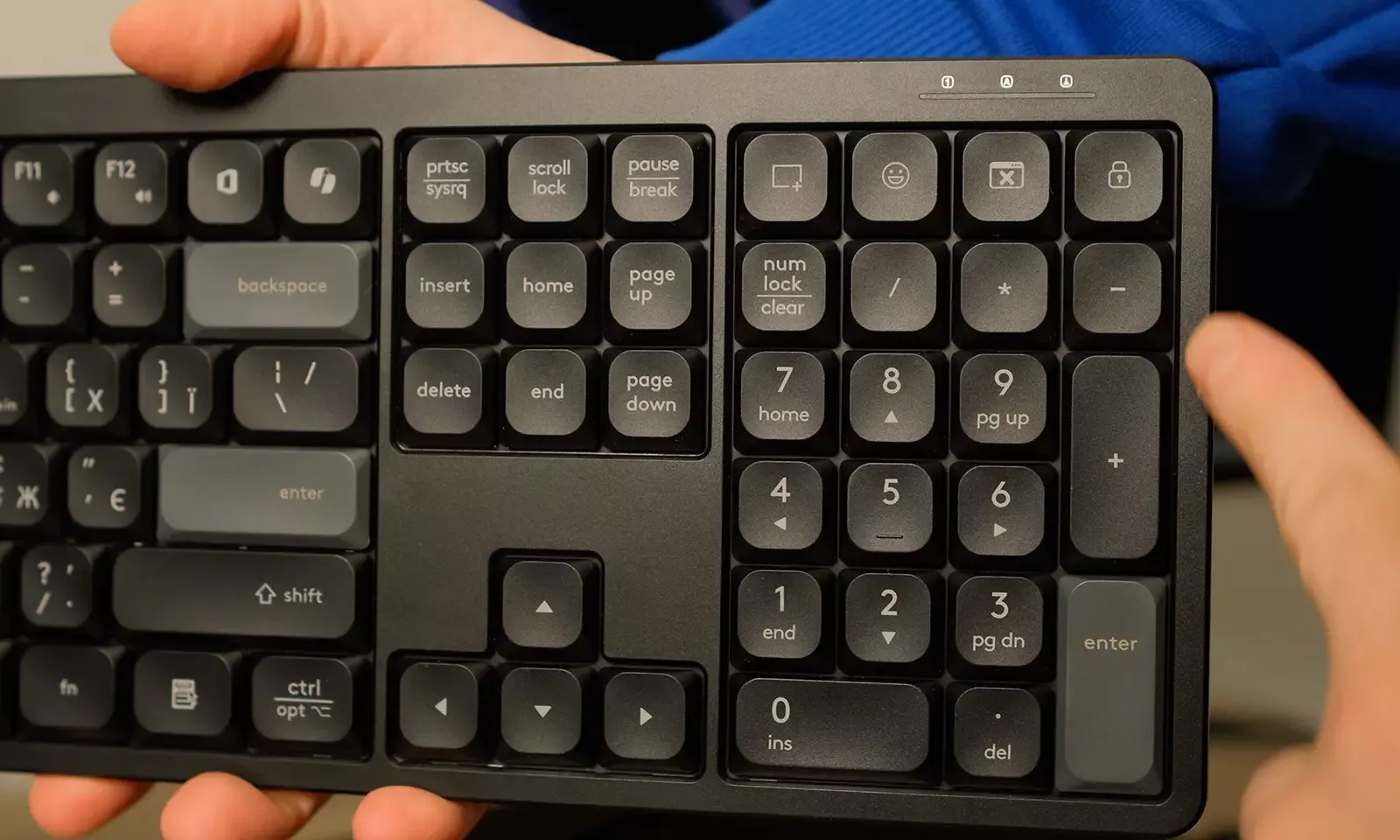
Both keyboards have a standard layout; the FX55 model also has a numeric keypad, which is important for working with tables and calculations. A row of function keys duplicates multimedia functions through the Fn key: basic commands for controlling volume, playing media, or opening applications work without additional software.
In the FX55, the manufacturer included six separate hotkeys for quick access to tools: office applications, screenshot functions, emojis, locking the computer, and minimizing the active window. In everyday work, this really helps save a few extra clicks.
Anti-Ghosting
Despite both keyboards being office solutions, support for combinations of simultaneously pressed keys helps avoid conflicts not only in games but also in professional programs where keyboard combinations are used. This means that quick combinations such as Ctrl+Shift+arrows or mass selections do not result in lost keystrokes.
Which Model for Whom
A4Tech FX55 is worth choosing for those who need a numeric keypad and are not limited on desk space. It is a great choice for accountants, analysts, and those working with large amounts of data.
A4Tech FX53 will appeal to those who are accustomed to working on compact laptops or have limited space at their workstation. Both models easily integrate into any workspace and do not require additional settings.

General Impressions
A4Tech FX53 and FX55 fulfill a common task — to provide a quiet and comfortable typing process in everyday work. FX55 is a full-size keyboard with soft acoustics and additional hotkeys, enhancing comfort during prolonged use and making it convenient to work with numbers. FX53 is a more compact version, retaining almost all the advantages of its older brother.
Both keyboards look well-balanced: the quality of workmanship meets expectations, they operate quietly, and the layout and ergonomics require no adjustment. The choice comes down only to the form factor, specifically the presence of a numeric keypad.