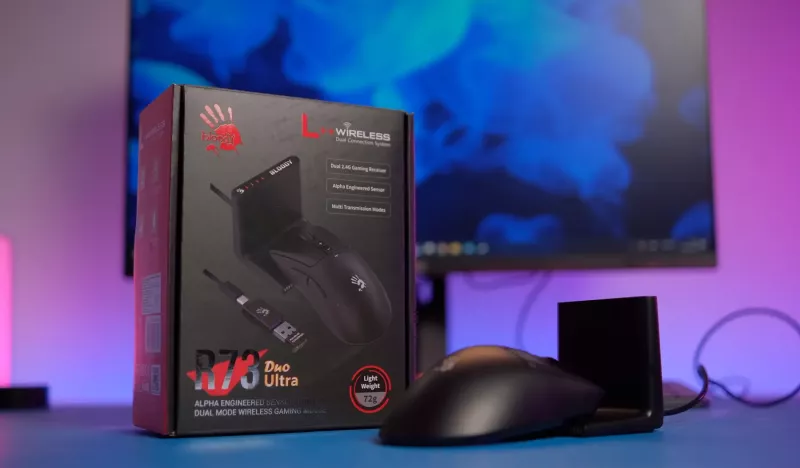

Bloody continues to develop its line of gaming mice, focusing not only on technical capabilities and ergonomics but also on new convenient ways for the device to interact with the computer. In the Bloody R73 Ultra Duo model, the manufacturer has implemented a universal docking station that serves as a receiver, charger, and battery level indicator. In this review, we will see how this concept works in practice and whether the R73 Ultra Duo is indeed a successful choice for modern gamers.
Video Review of Bloody R73 Ultra Duo
Source: TechnoGuide
Specifications of Bloody R73 Ultra Duo
- Connection: docking station, nano receiver, cable
- Sensor: gaming Alpha Engine
- Wireless transmission: 1 ms
- Working range: 10 m
- Resolution: 50 – 20000 CPI
- Acceleration: 30 G
- Tracking speed: 350 IPS
- Polling rate: 1000 Hz, adjustable
- Battery: 300 mAh
- Charging time: ≤1.5 hours
- Working time: ≤75 hours
- Switch lifespan: 30 million clicks
- Mouse weight: 72 g
- Official website: bloody.com.ua
Packaging and Completeness
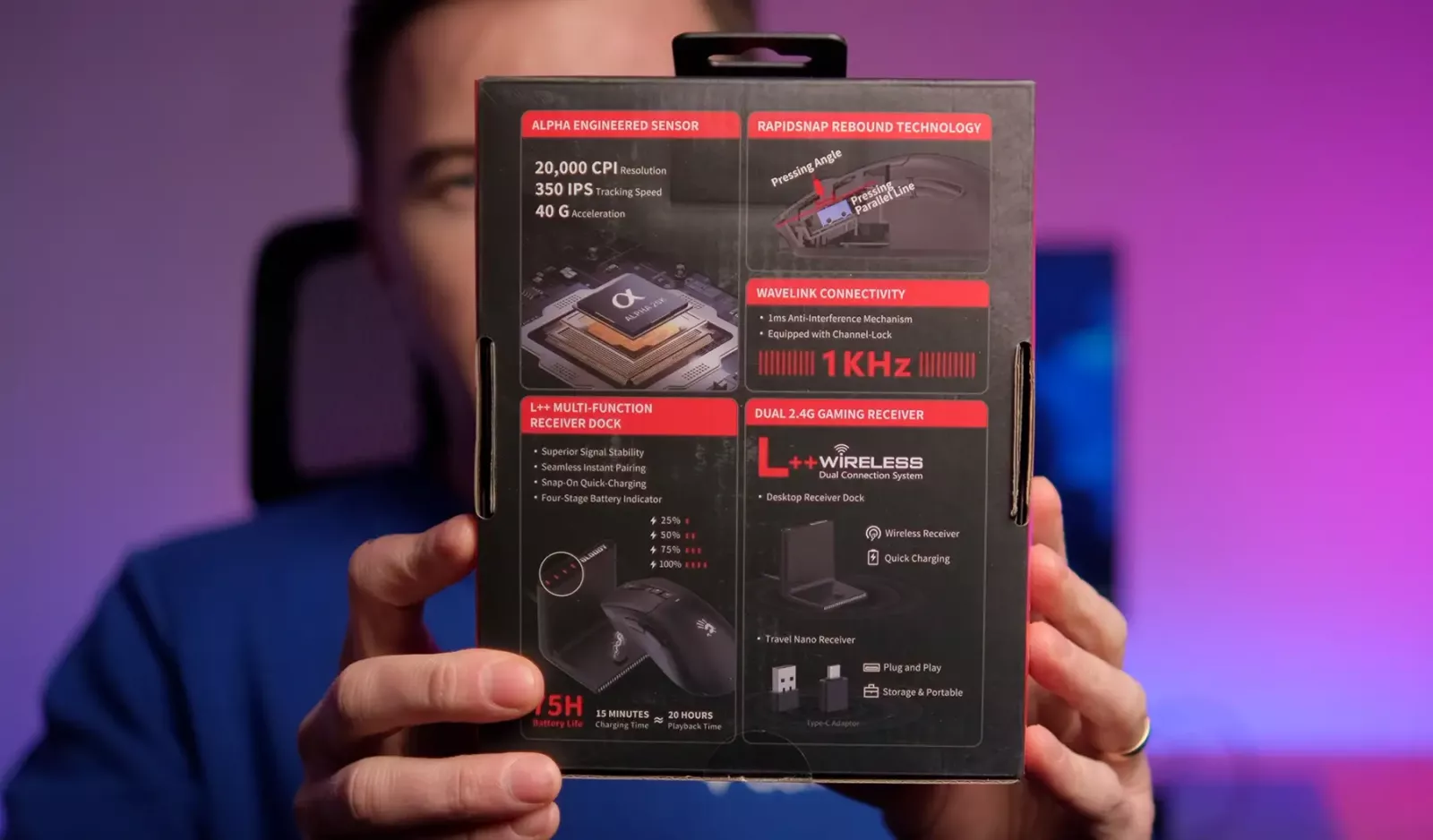
Bloody usually pays great attention to packaging, and the R73 Ultra Duo is no exception. The box is styled in the brand's signature red-black palette. The design is maximally informative, as the mouse on the charging dock is visible on the front side along with key elements of the set. The back of the packaging contains schematic images of the construction, internal components, and main features, while the side edges list the technical specifications and advantages.
In fact, even a surface review of the packaging provides a fairly complete understanding of the device's capabilities. This approach will be convenient for buyers who are accustomed to making decisions without a detailed study of documentation or additional reviews.
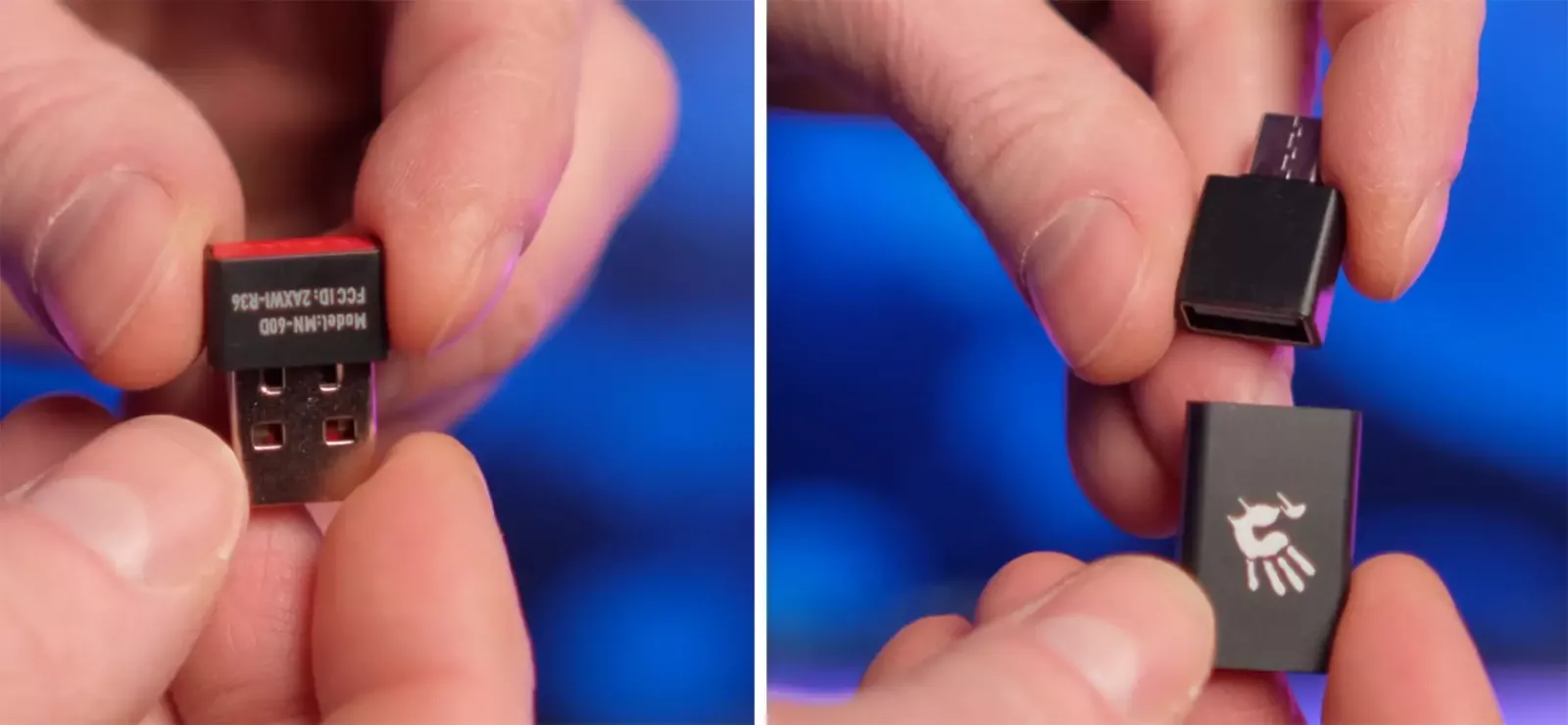
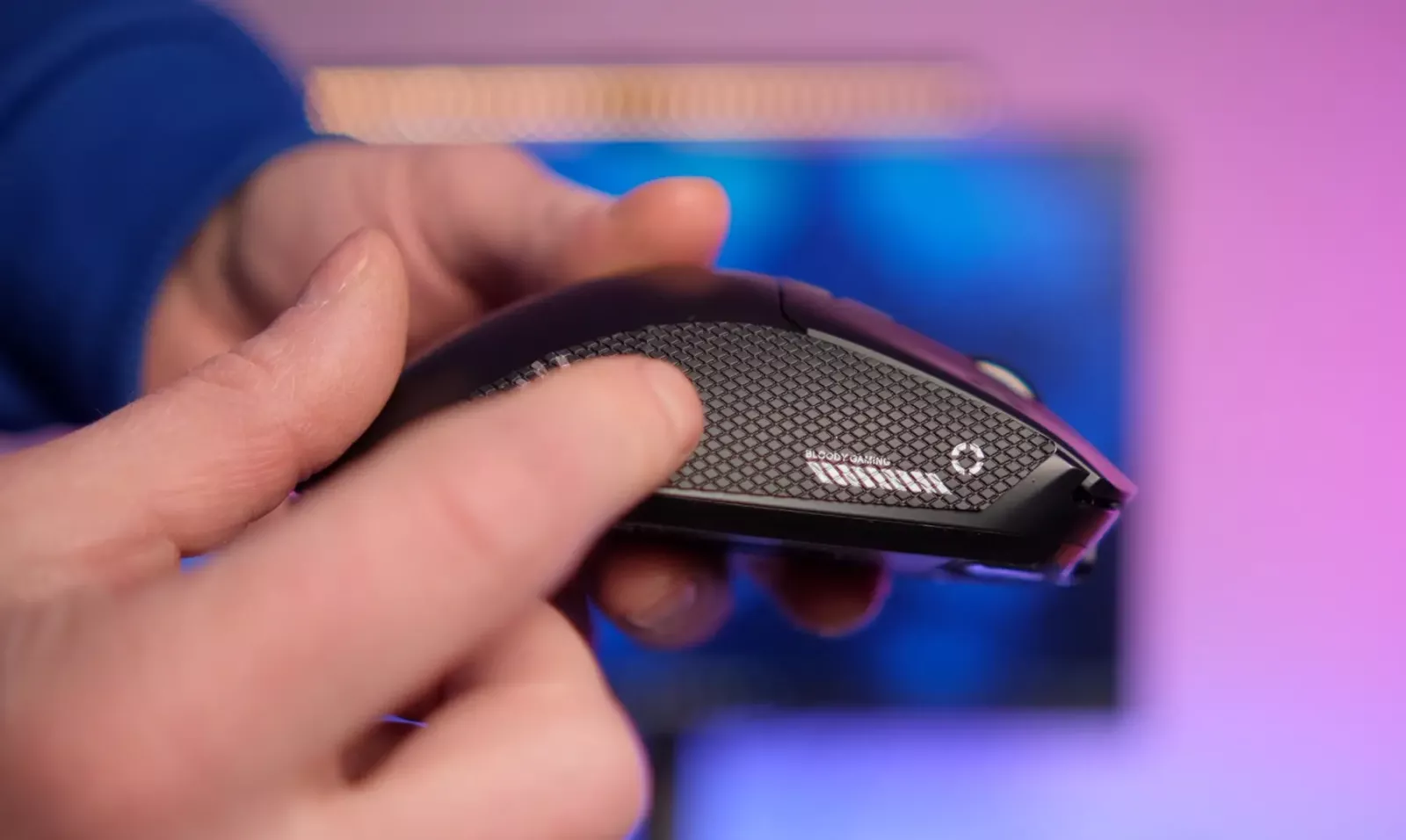
Inside the box is the Bloody R73 Ultra Duo mouse, a charging dock with built-in magnetic contacts, a nano receiver, adapters, two cables (for the mouse and dock), a set of replacement Teflon feet, and stickers for the mouse body, which are designed to improve grip. This is an optional element, useful primarily for users with high hand sweat or those who prefer a tighter grip on the surface of the case.
Docking Station Concept and Connection Options
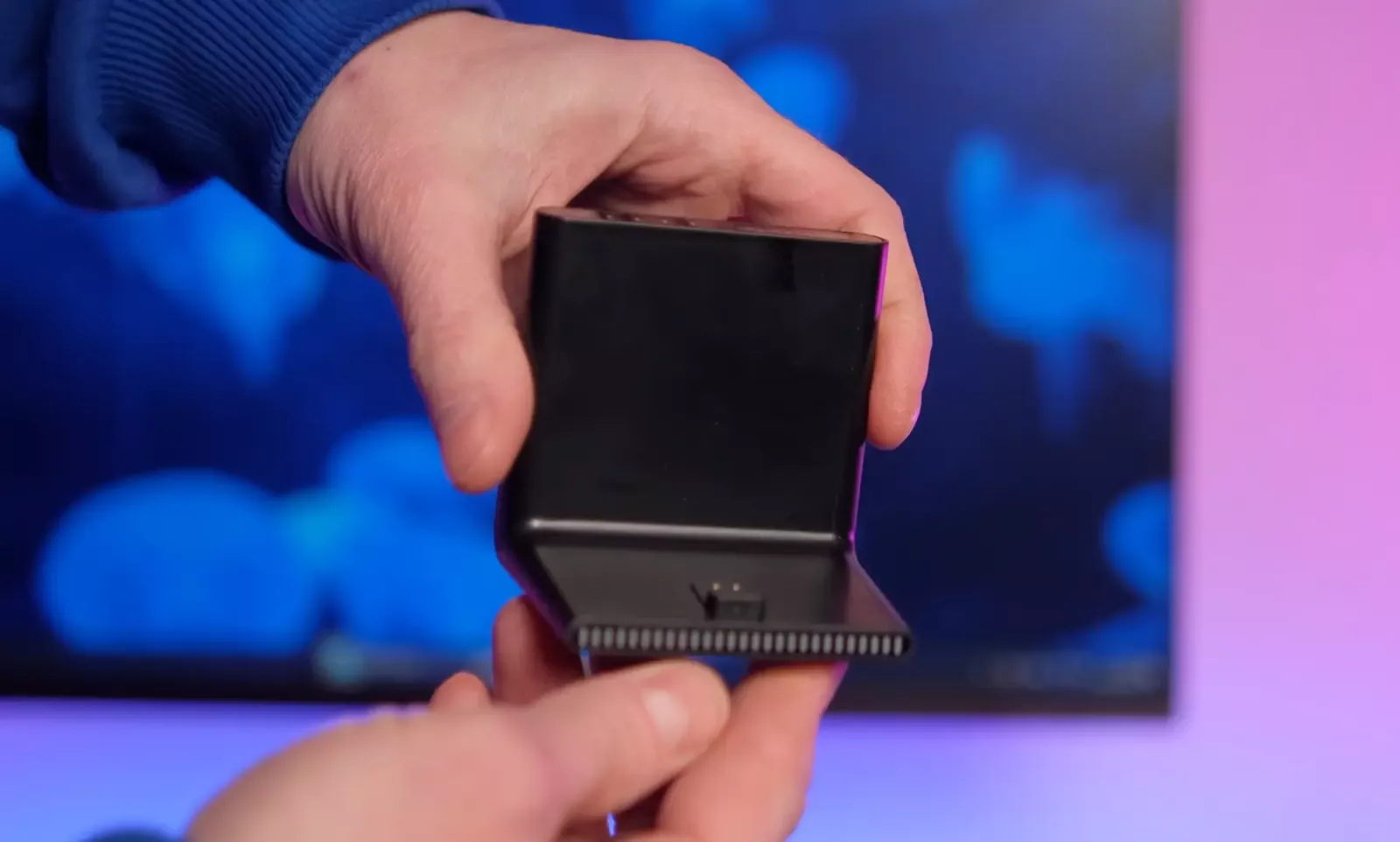
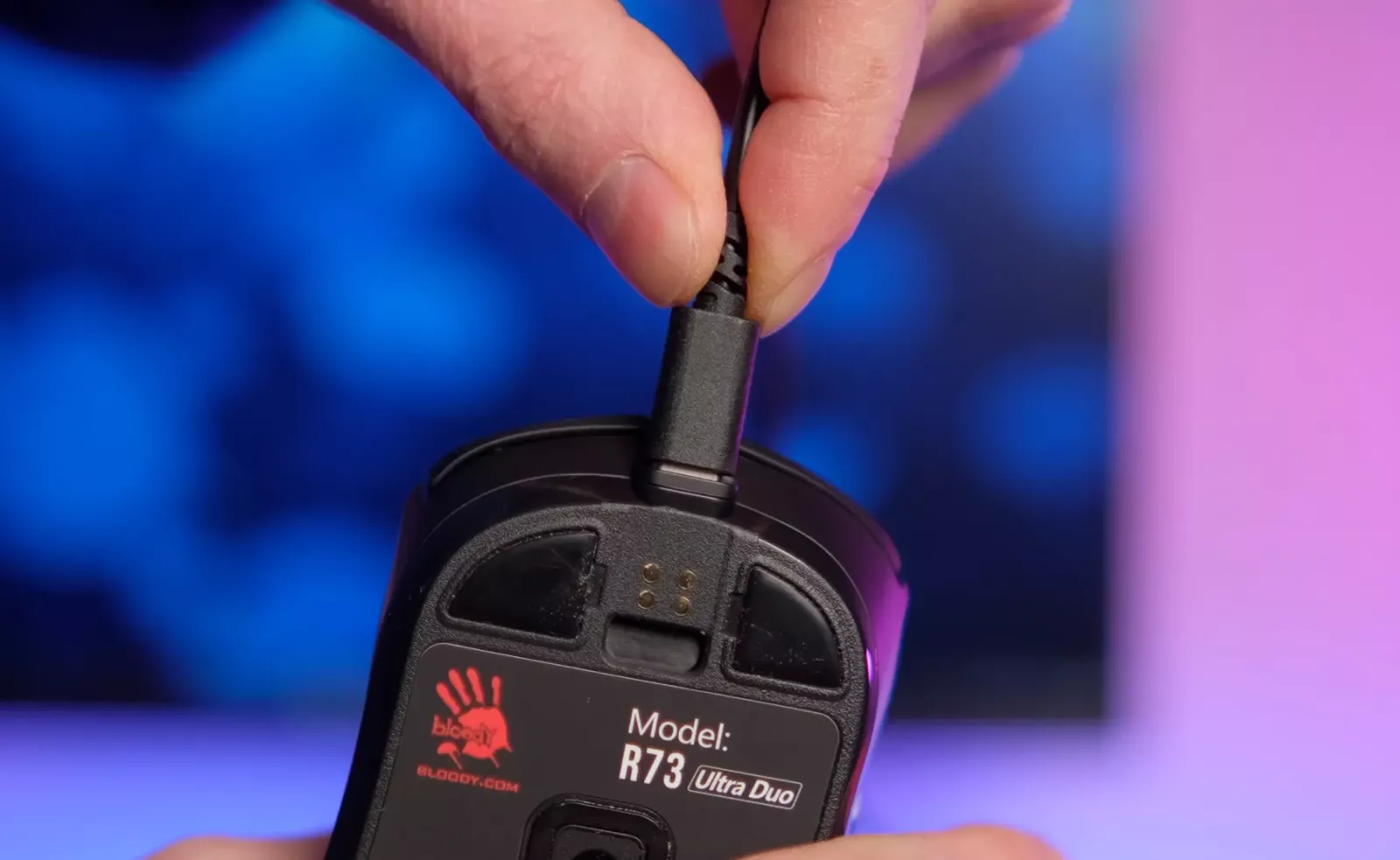
The main feature of the Bloody R73 Ultra Duo is the docking station, which plays a central role in the system. It is through this that the main type of wireless connection to the computer is made. Simply connect the dock to a USB port, and it instantly begins to perform two functions: signal transmission and mouse charging.
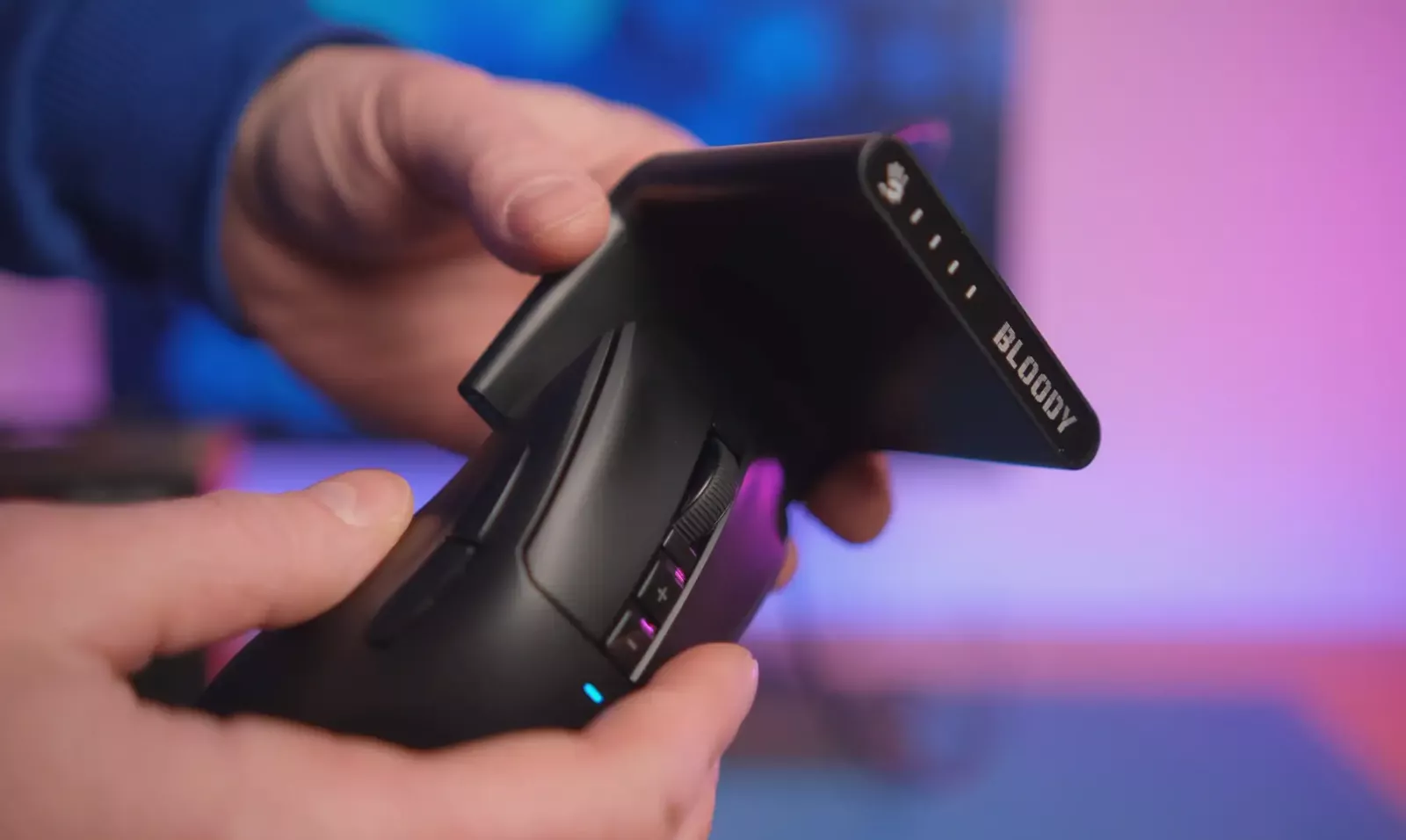
The connection between the mouse and dock occurs via magnetic contacts. Therefore, the process of attaching or detaching the mouse takes only seconds and does not require any extra actions. Once the mouse sits on the dock, charging begins automatically. This way, the user does not need to monitor the battery level or plug in a cable—just place the mouse on the dock during breaks.
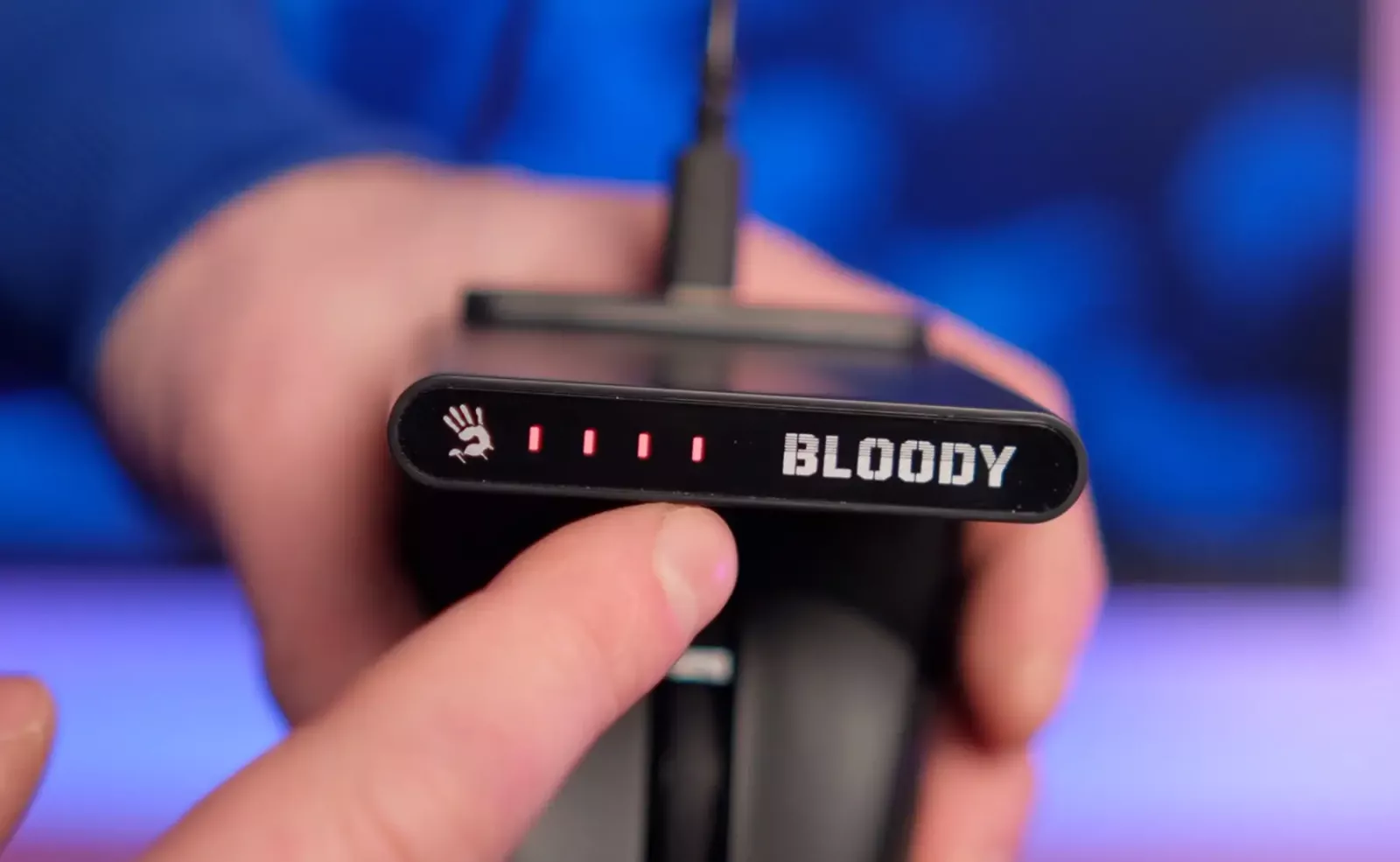
On the top of the dock, there is the manufacturer's logo and four LEDs. They display the current battery level of the mouse, allowing for a quick assessment of its readiness for use. The versatility of the dock is also an additional advantage. If the user has another mouse from the new Bloody line with similar magnetic contacts, it can use this dock.
The second option for wireless connection is through the included nano receiver. This mode will be useful when the user is working or gaming away from the main desktop, for instance, while traveling or with a laptop. The receiver can be connected directly to a USB port or via an adapter for modern devices with Type-C ports.
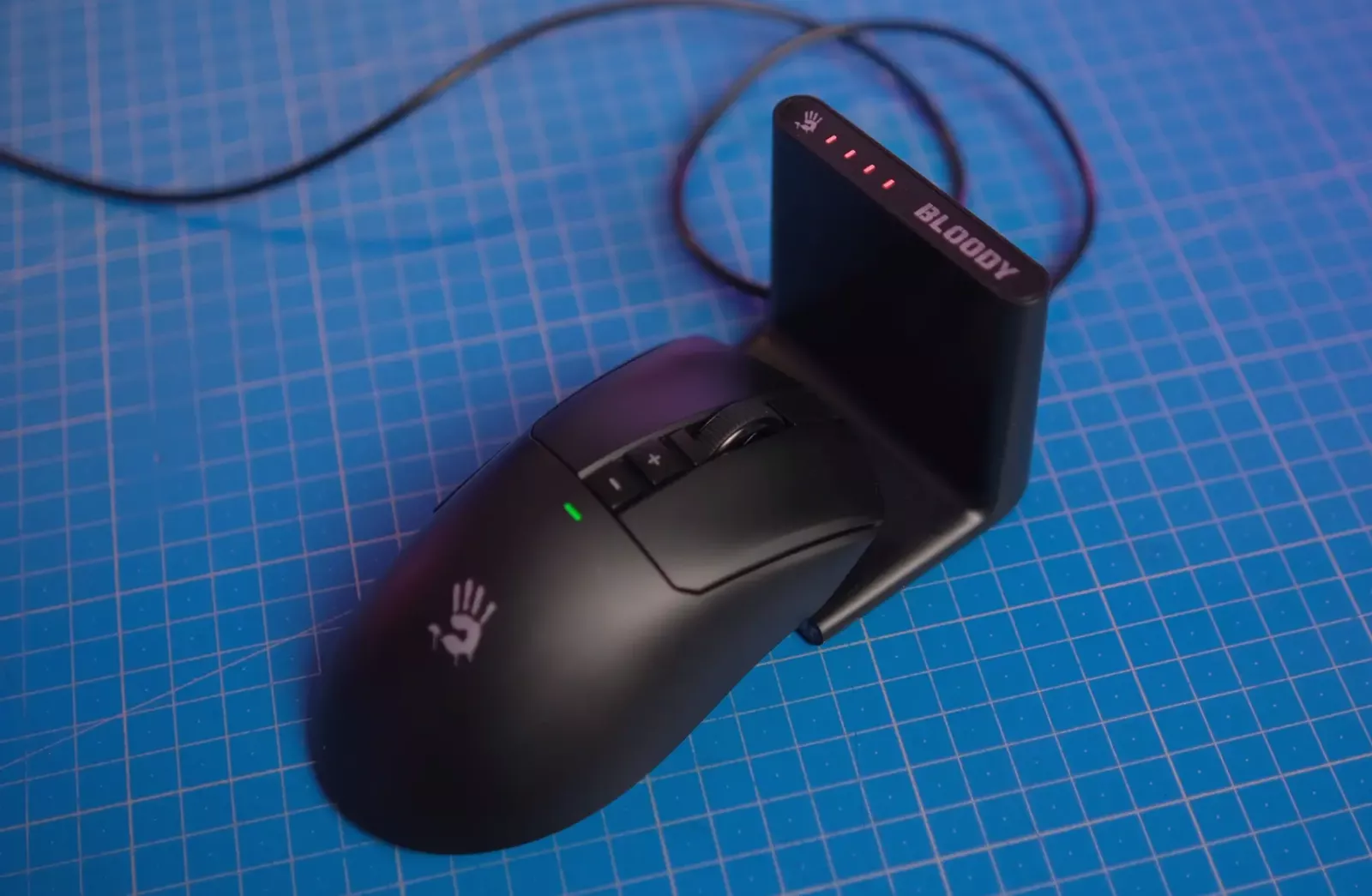
This dual wireless connection mode is the basis for the use of the word Duo in the model name. In both cases, the proprietary Wave Link technology is employed, with a declared delay of one millisecond.
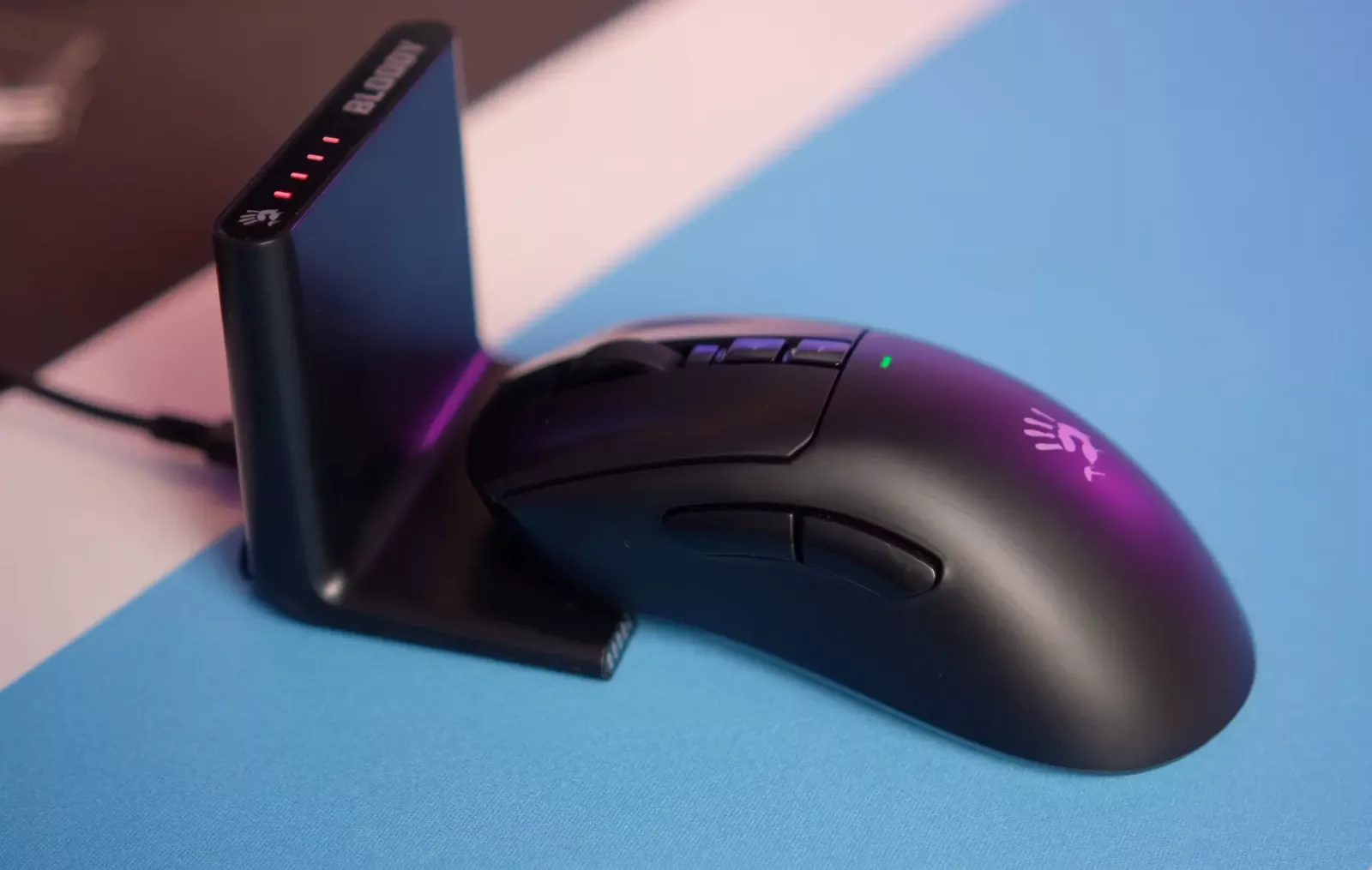
Additionally, the mouse has a classic wired operating mode. On the bottom of the case, there is a switch that allows you to choose the connection mode through the nano receiver, docking station, or completely disable the wireless modules to work with the cable.
Design, Ergonomics, and Construction
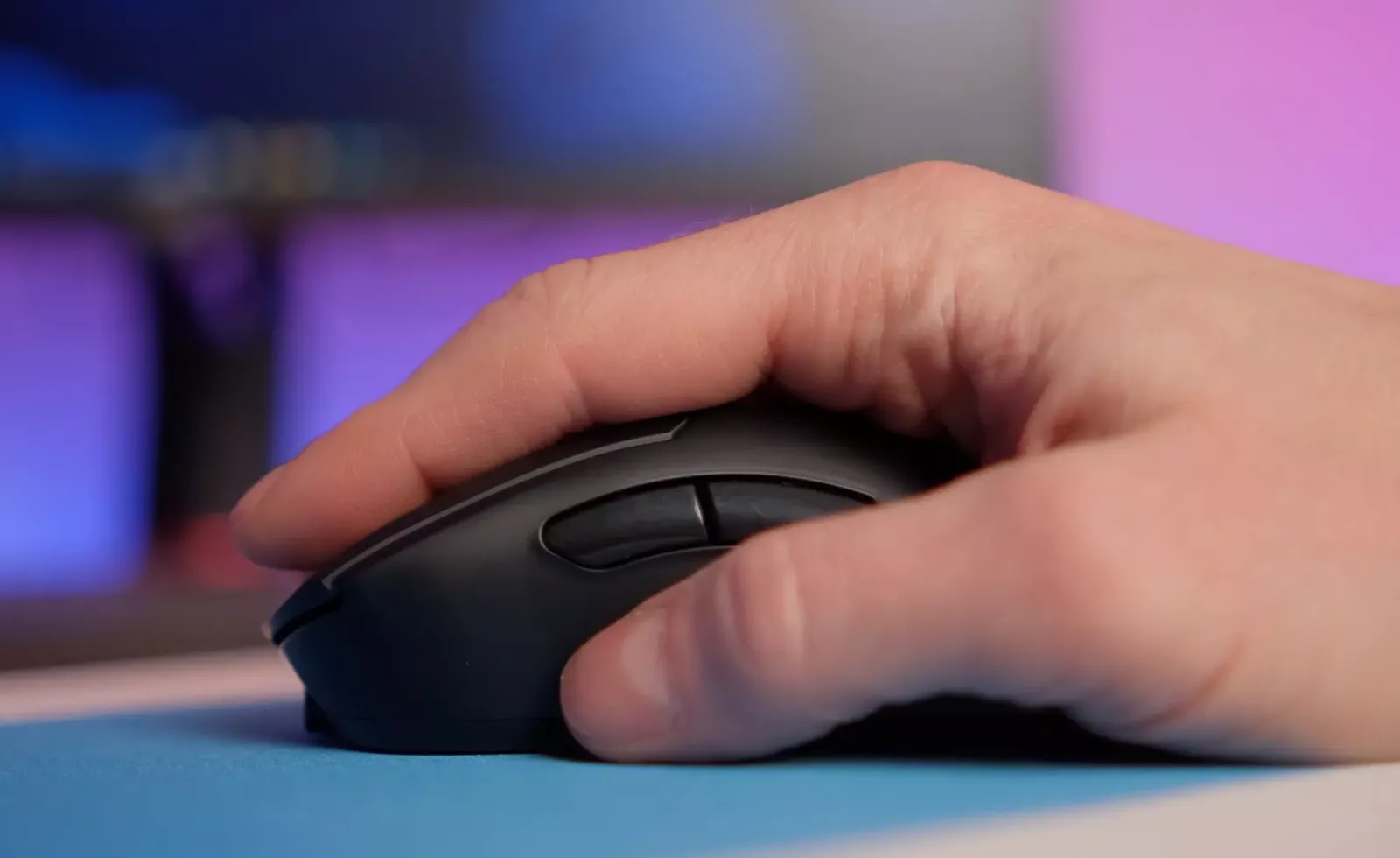
The Bloody R73 Ultra Duo features an ergonomic body tailored for right-handed users. The shape of the mouse is asymmetrical, with a pronounced curve for the palm that clearly targets right-handed users. The dimensions of the body can be considered universal, as the mouse fits medium-sized hands, providing full palm support and comfortable placement of fingers on the side buttons.
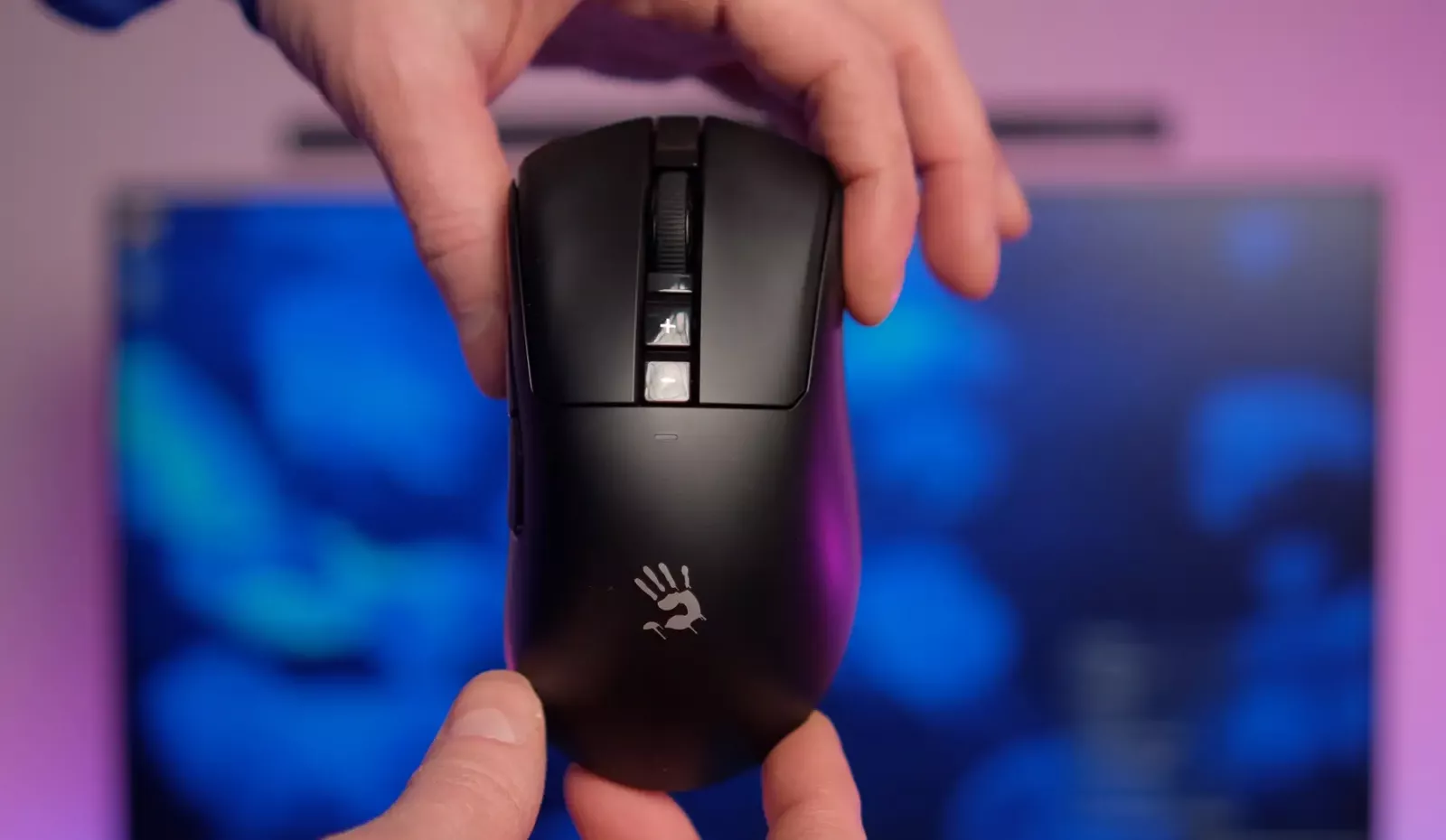
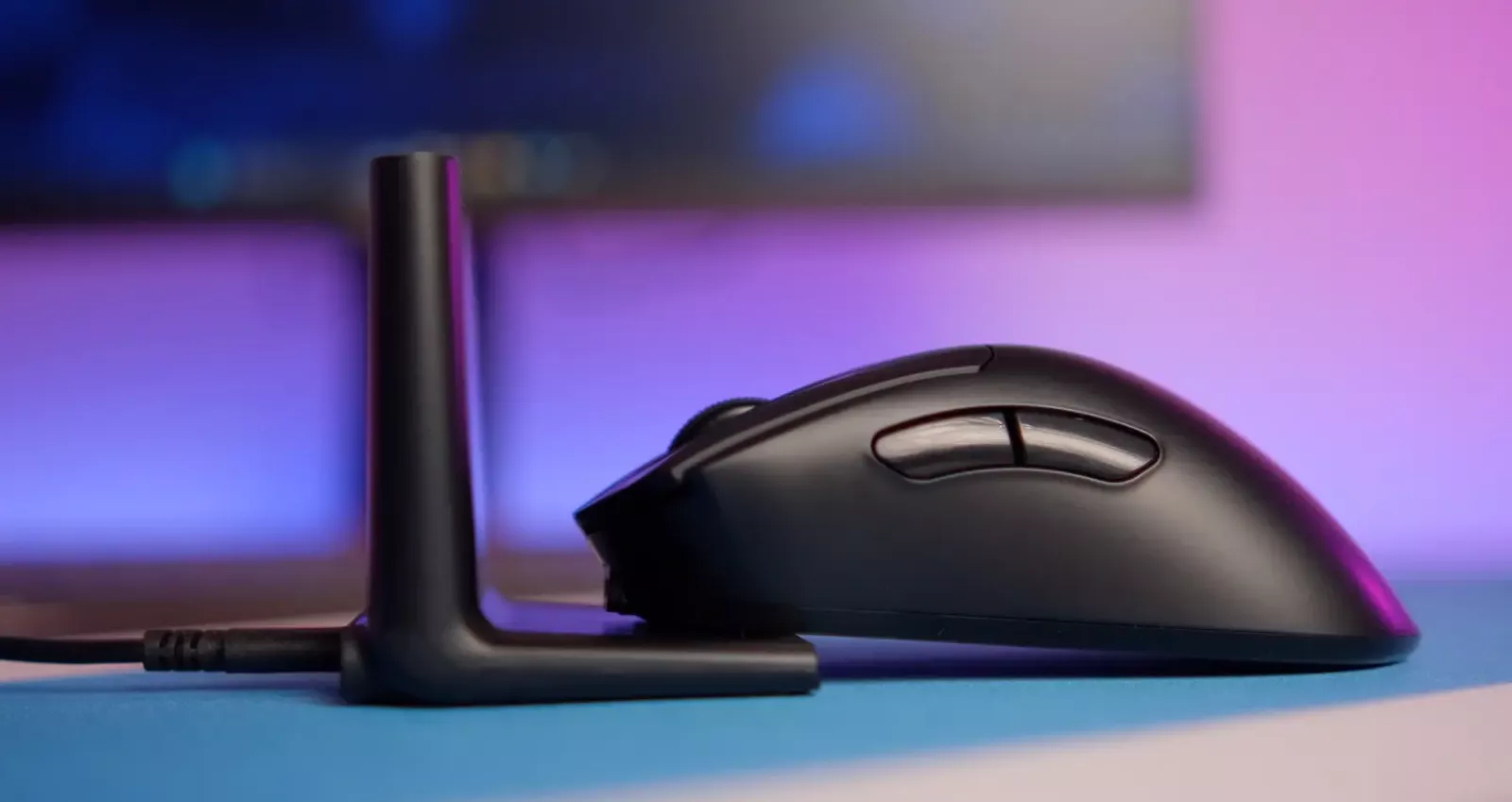
Weighing 72 grams, the mouse is quite light and maneuverable. This, combined with the appropriate weight, positively affects control during fast movements and long gaming sessions.
On the bottom of the case, there is a hidden compartment for storing the nano receiver. This is a convenient solution for transportation, reducing the risk of losing the small accessory. The scroll wheel features a rubberized surface and distinct notches.
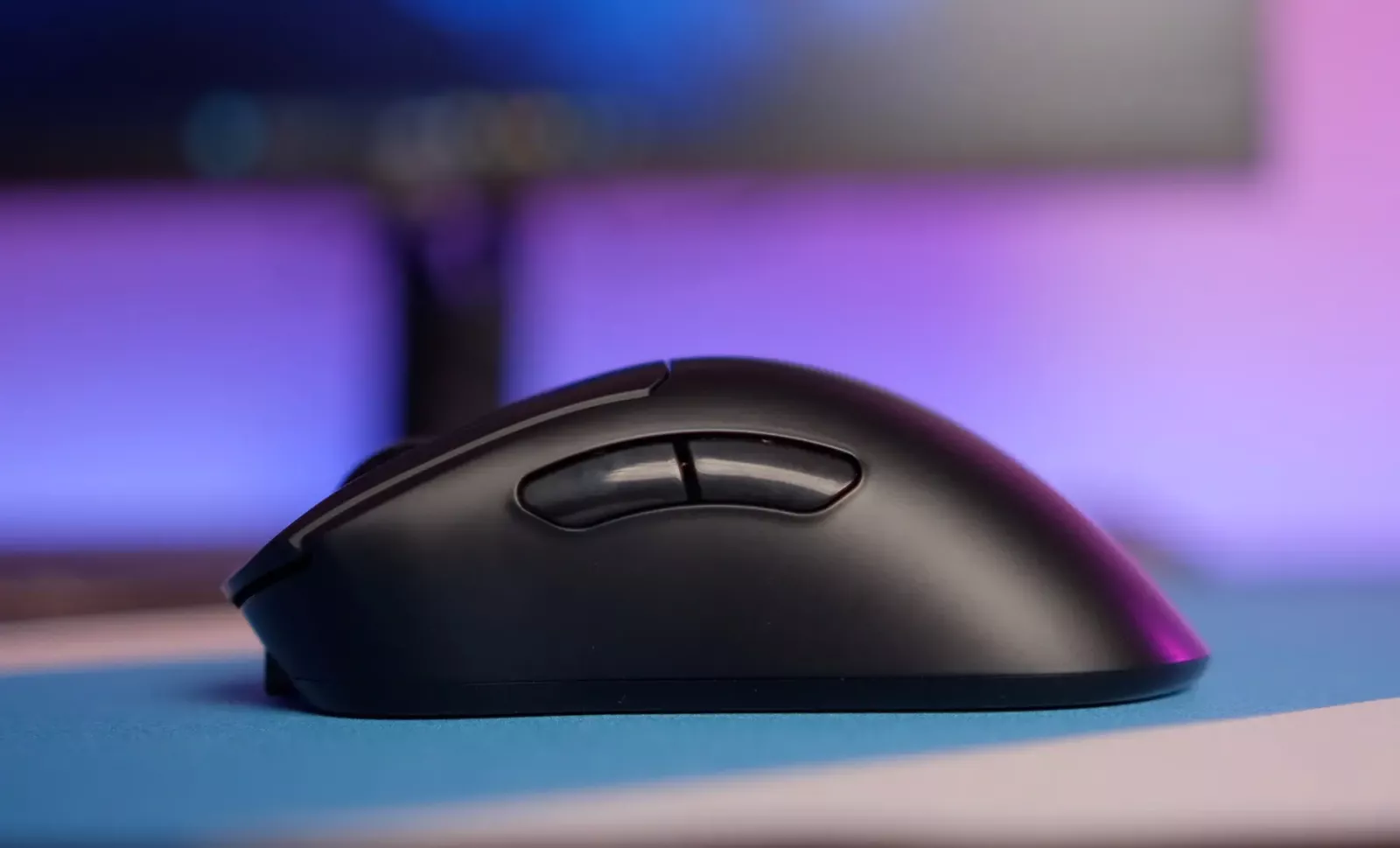
Overall, the mouse demonstrates stable performance on various surfaces, including gaming pads and regular tables. The ergonomics of the body will especially appeal to users looking for a mouse for the right hand with a relatively high profile.
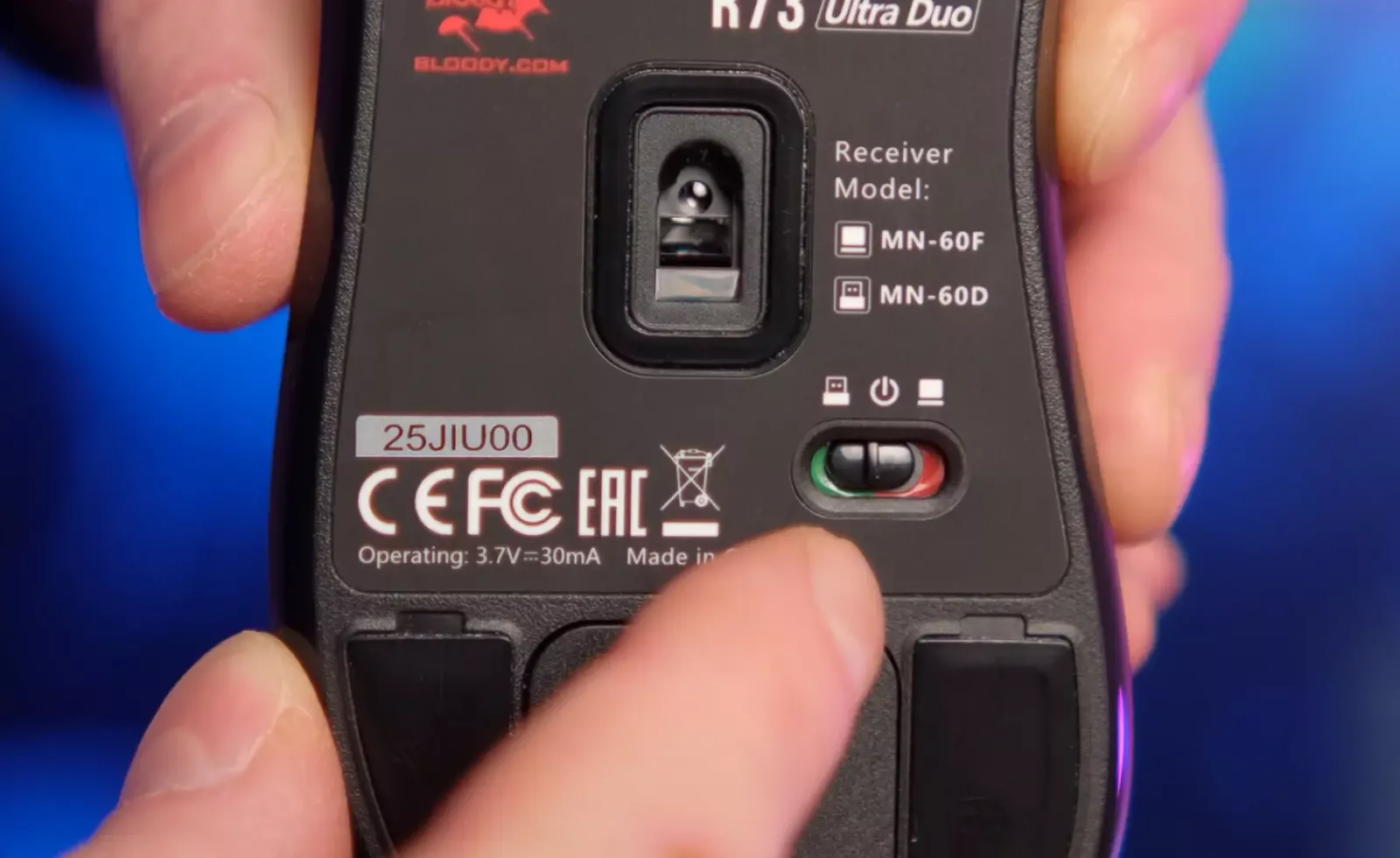
For left-handed users or fans of symmetrical shapes, the company offers an alternative in the form of the Bloody R72 Ultra Duo model, which retains the main technical features but is made in a symmetrical body.
Sensor, Buttons, and Software
The lifespan of the main buttons on the Bloody R73 Ultra Duo is 30 million clicks, which is average for gaming mice in this class. The additional buttons above the wheel by default are responsible for DPI switching, but they can be remapped through the software.
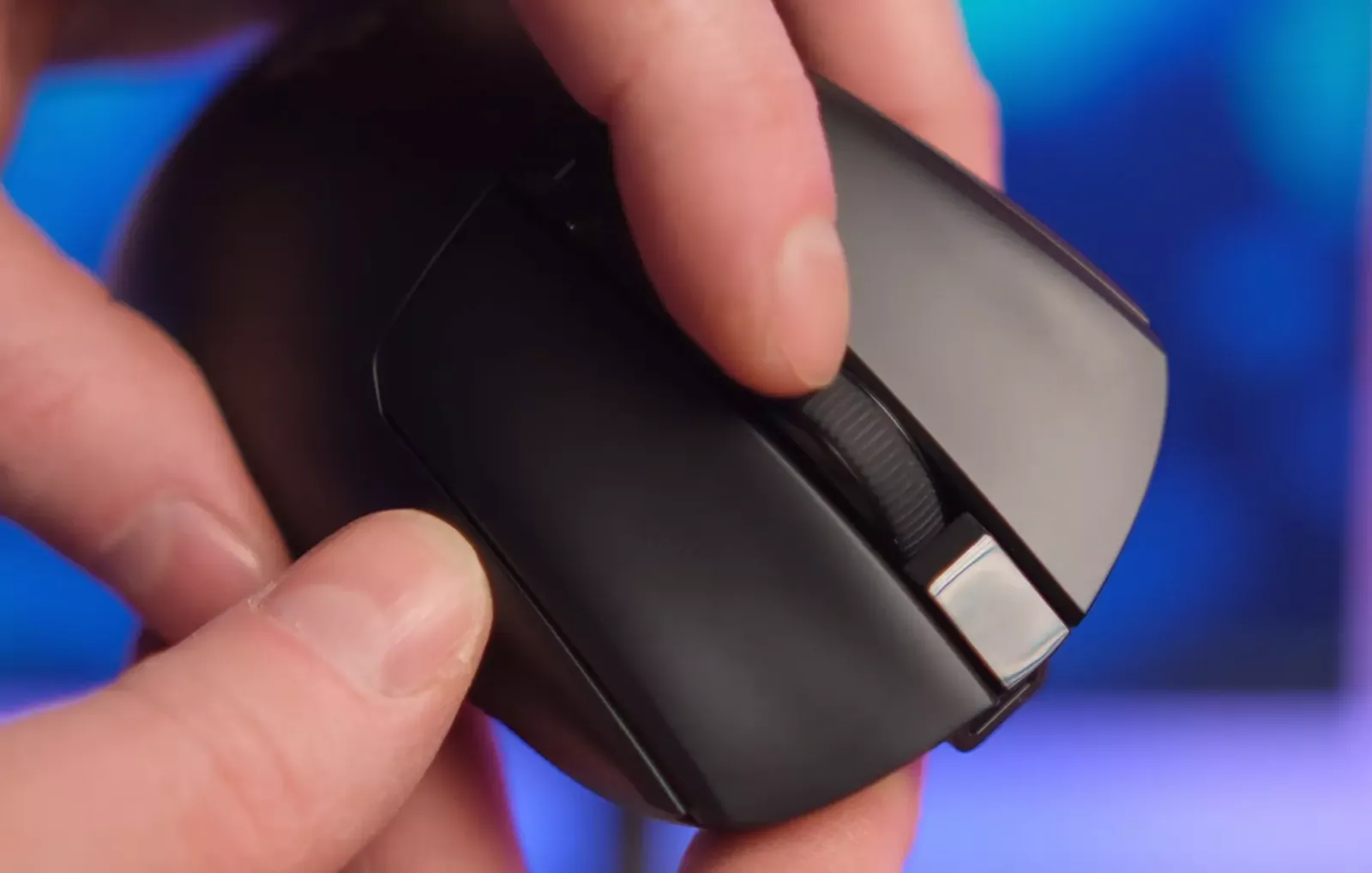
The foundation of the mouse is the proprietary optical sensor Alpha Engine with a maximum sensitivity of 20,000 DPI. This figure provides significant headroom for the future, especially for users planning to switch to 2K or 4K resolution monitors. In Full HD scenarios, the actual working DPI values will generally be much lower, but having such a reserve adds versatility.
For setting parameters, the Wireless M-Esport software is used. The interface of the program has been updated compared to previous versions and has become more minimalist and structured. All important parameters are grouped in a convenient menu, allowing quick remapping of buttons, creating macros, adjusting sensor sensitivity from 50 to 20,000 DPI, and updating the firmware.
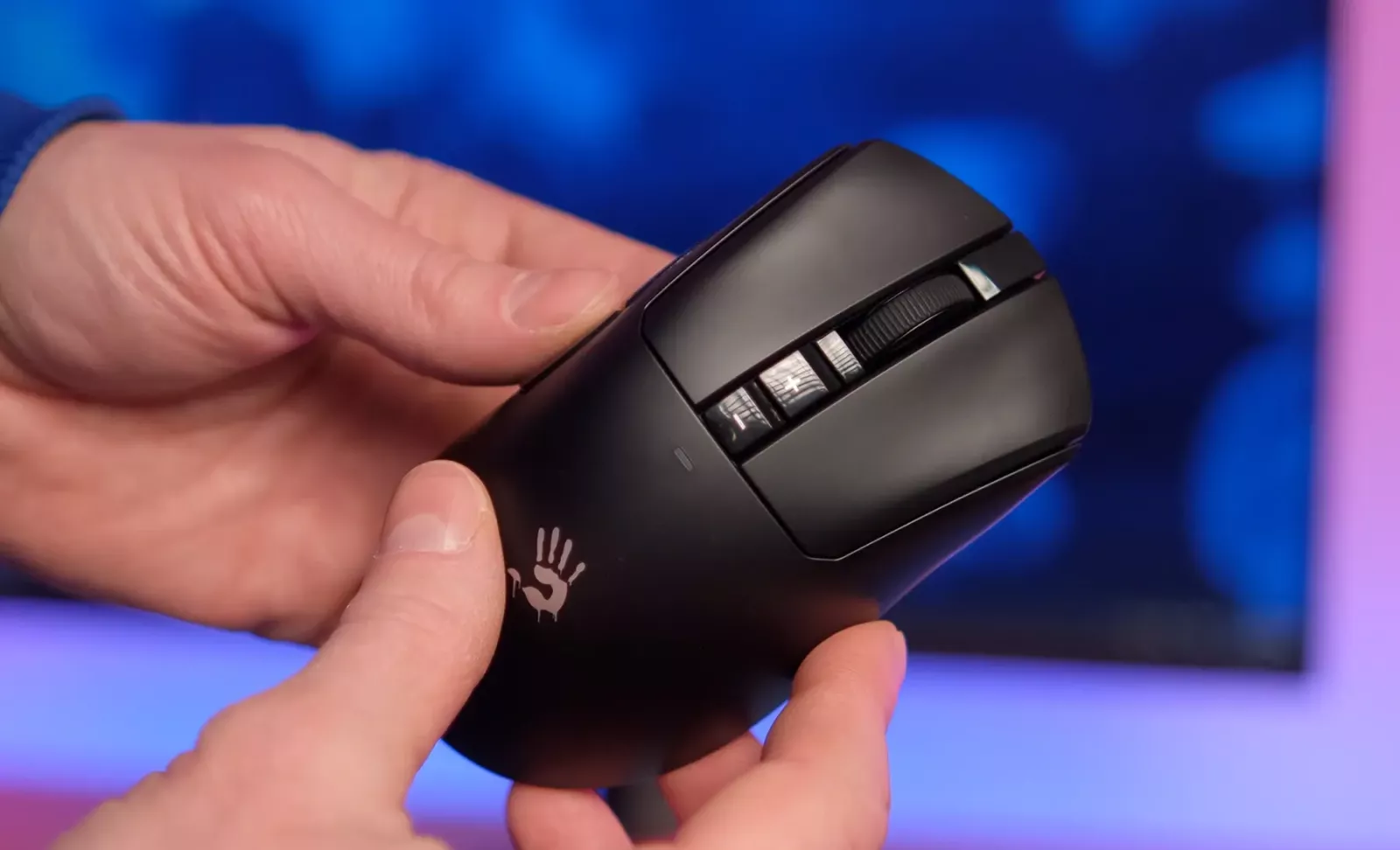
An important feature is the ability to update the firmware not only for the mouse itself but also for the dock and nano receiver. This indicates the manufacturer's intent to support the product for an extended period. However, this model does not have the Ultra Core 3 and 4 cheat modes familiar from previous generations of Bloody mice.
Autonomy and Charging
The Bloody R73 Ultra Duo is equipped with a 300 mAh battery. The claimed battery life is up to 75 hours, which is a typical figure for mid-range wireless gaming mice. In practice, with regular use of the docking station, the mouse virtually never discharges, as it is regularly recharged during breaks.
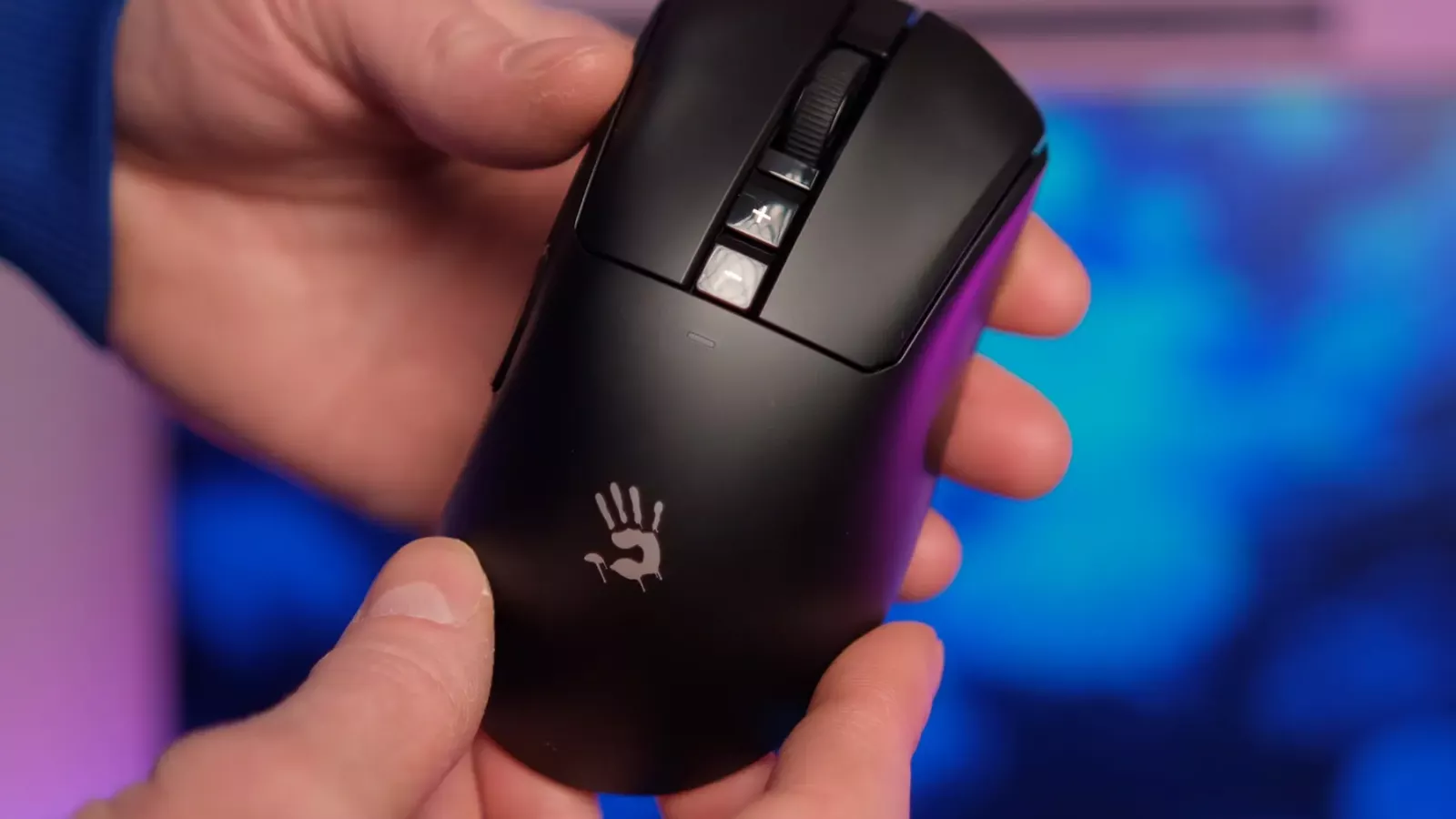
When fully discharged, a complete charging cycle takes about one and a half hours. Fast charging is also supported, where 15 minutes on the dock allows for up to 20 hours of operation.
Overall Impressions
The Bloody R73 Ultra Duo impresses as a well-thought-out gaming tool aimed at comfortable daily use. The main advantage of the model is the docking station, which combines the functions of a charger, receiver, and charge indicator, reducing the number of unnecessary actions from the user. The dual wireless connection, stable communication with minimal latency, and the option to work via cable make the mouse a versatile solution for various scenarios.
This model will be a successful choice for both experienced gamers and newcomers looking for a device with a future-proof setup. The only drawback is the absence of RGB lighting. For some users, this may be a downside; however, for those who appreciate a restrained design and practicality, the lack of lighting is unlikely to be an issue.