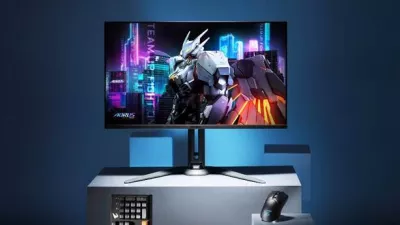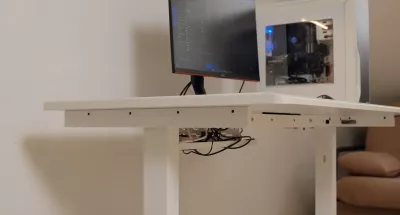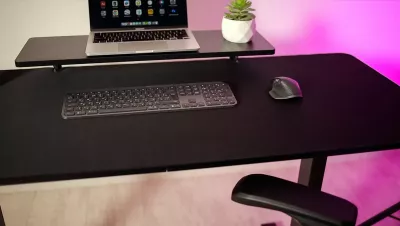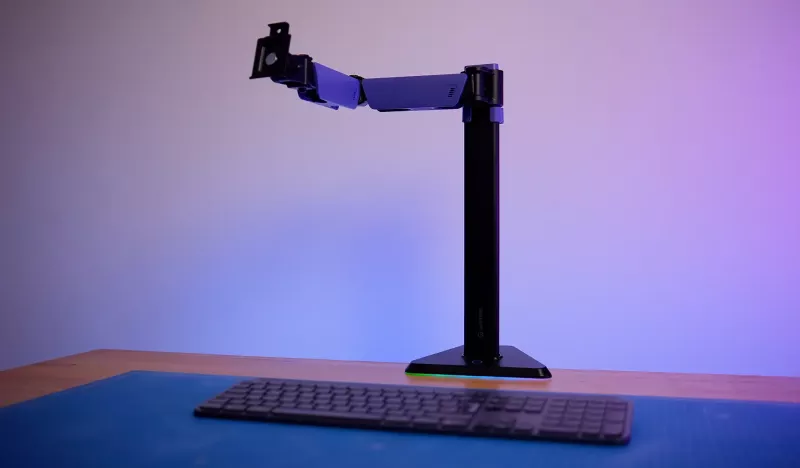

A modern workplace is becoming increasingly hard to imagine without monitor or laptop mounts. For many users, these are no longer just extra accessories but essential elements of ergonomic configuration.
Of course, one can simply place a monitor or laptop on a desk and work without additional structures. However, when it comes to comfort, health, and productivity over numerous hours in front of a computer, the importance of a mount is hard to overestimate.
Source: TechnoGuide
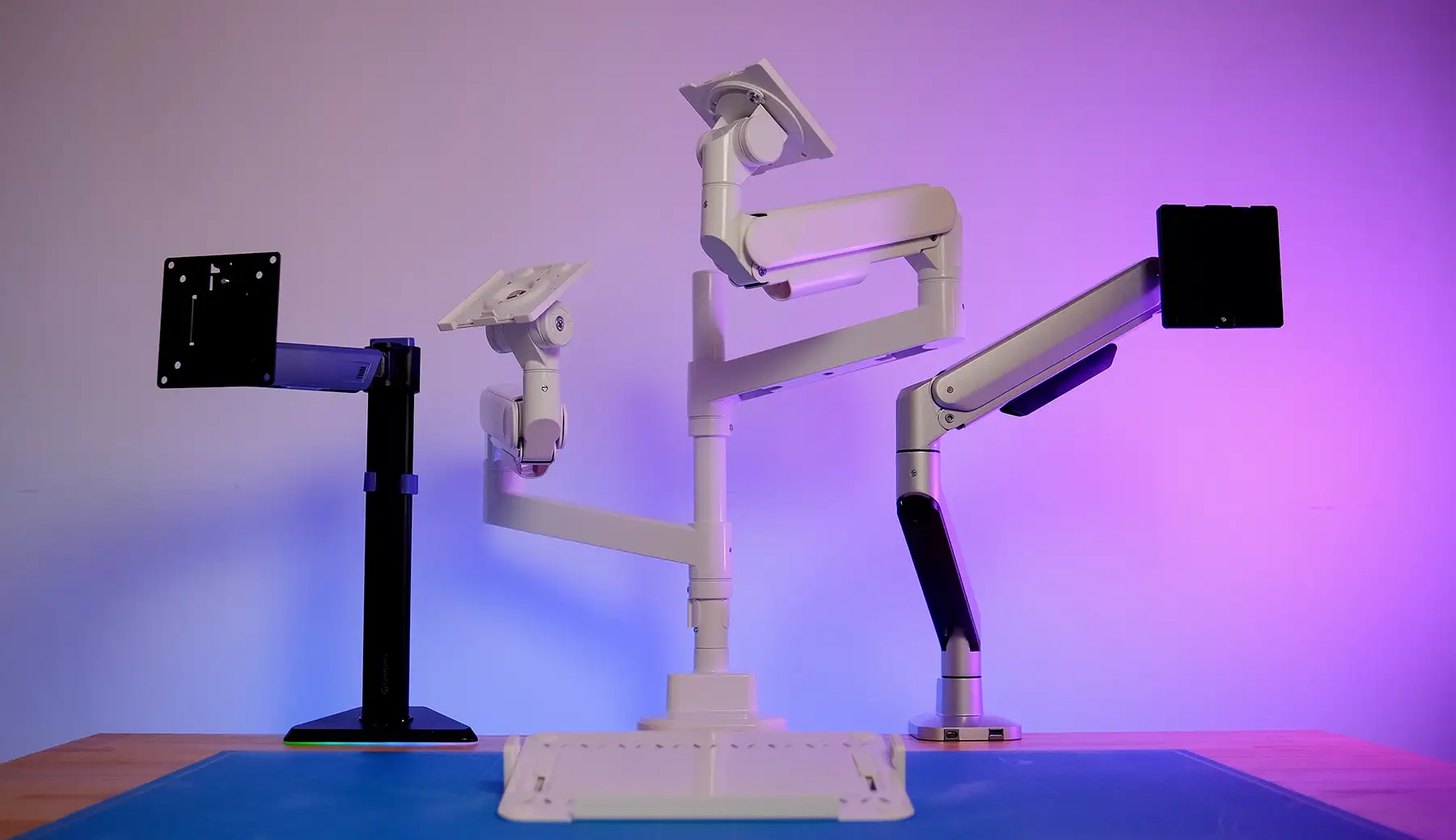
Thanks to the properly chosen mount model, one can prevent neck pain, back strain, and ensure the proper screen position according to eye level. In this review, we will look at three modern models from GamePro and OfficePro, which differ in design, functionality, and aesthetics but are united by a common goal — to create a comfortable working environment.
Video Review of GamePro and OfficePro Mounts
GamePro MAG101V — Style and Technology
Let's start with the GamePro MAG101V model, aimed at both office users and gamers. The mount features a sturdy metal construction and supports monitors with a diagonal of 17 to 40 inches and a weight of up to 12 kilograms. This range allows it to be used for both standard work displays and more substantial gaming models.
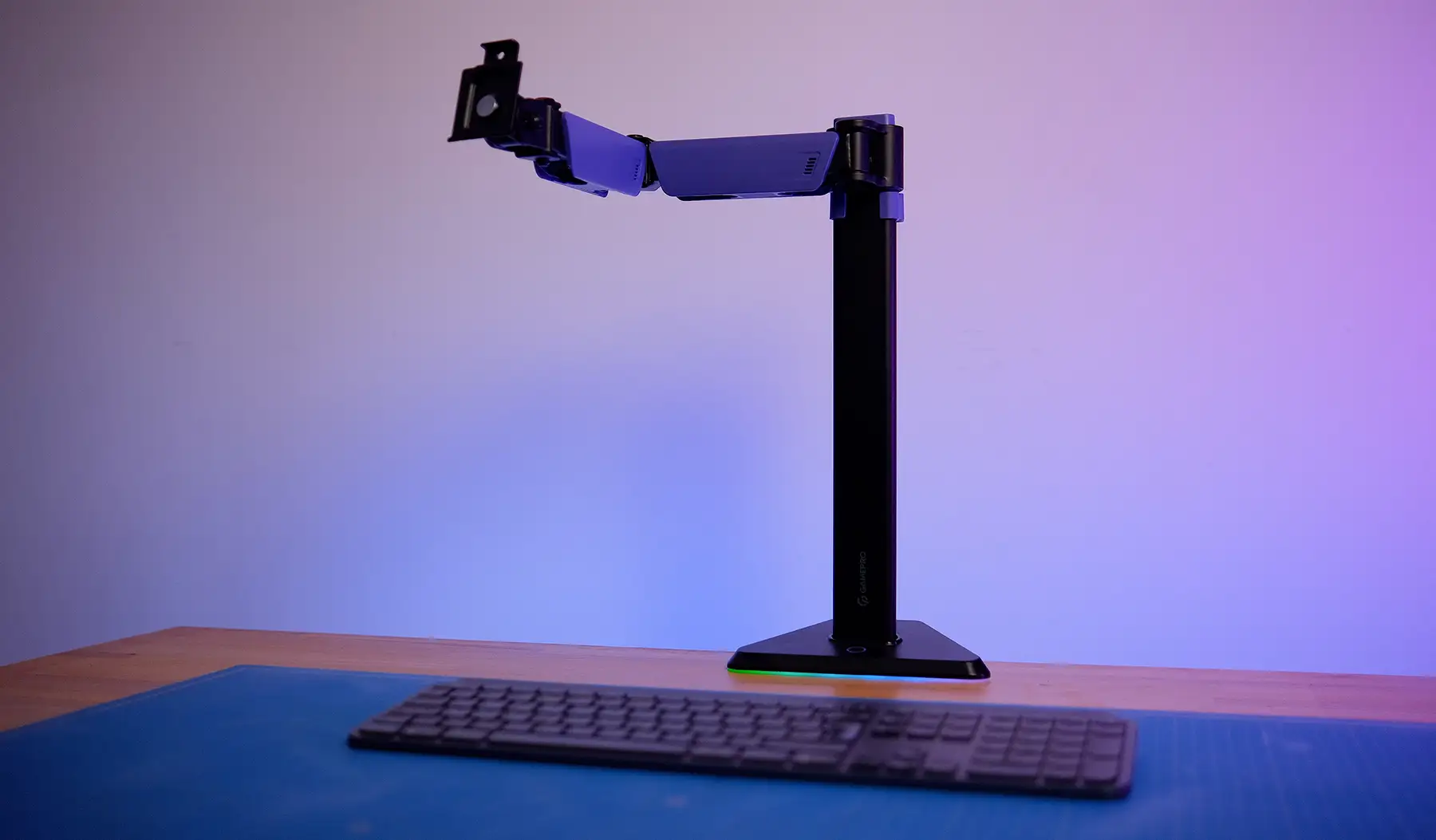
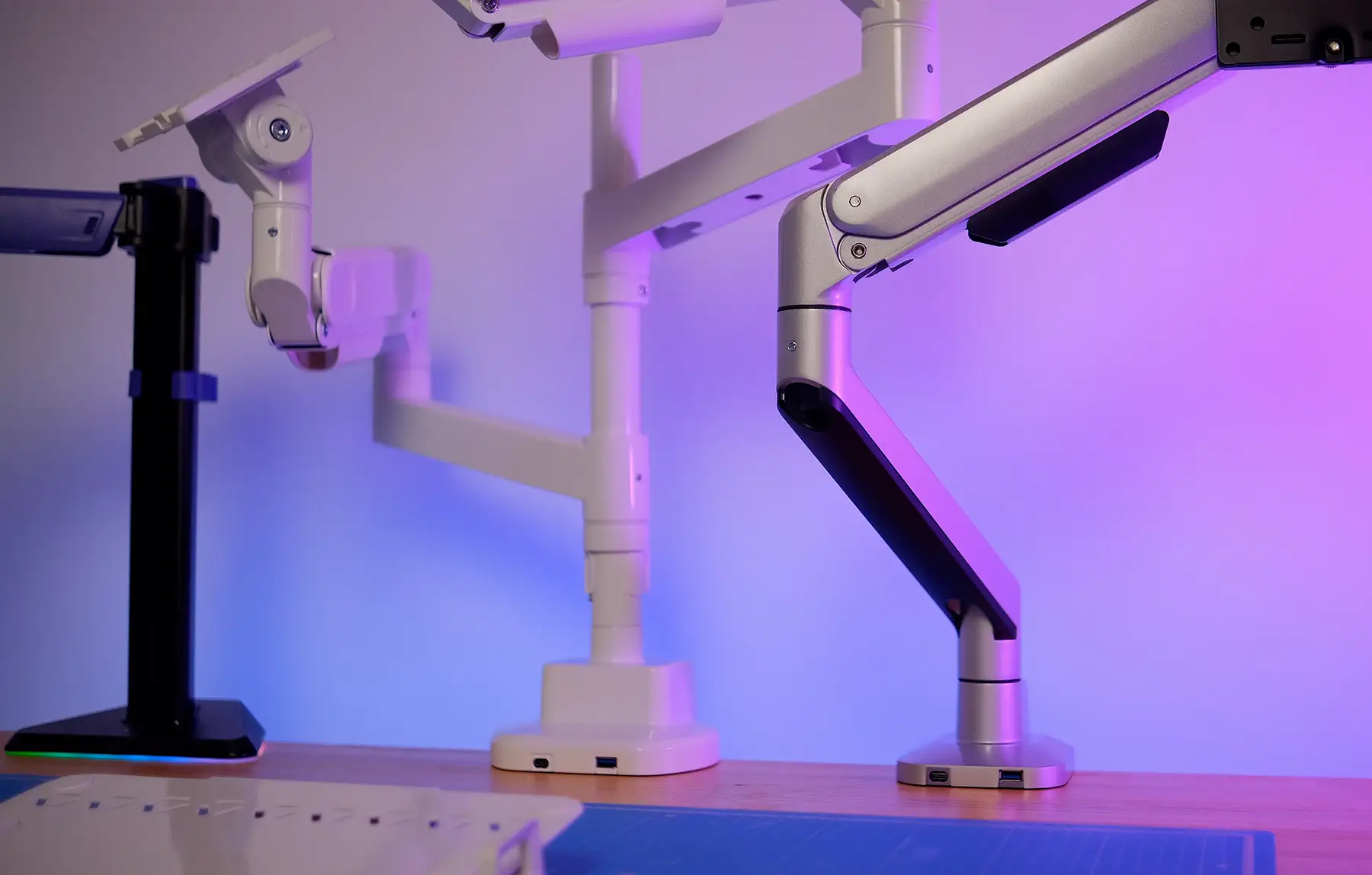
Visually, the MAG101V looks restrained but with character: the black matte finish is complemented by purple accents, and the main design feature is LED backlighting. It creates a soft light background behind the monitor, which is particularly well received in the evening and reduces eye strain. The backlighting is powered by a standard USB port from the computer.
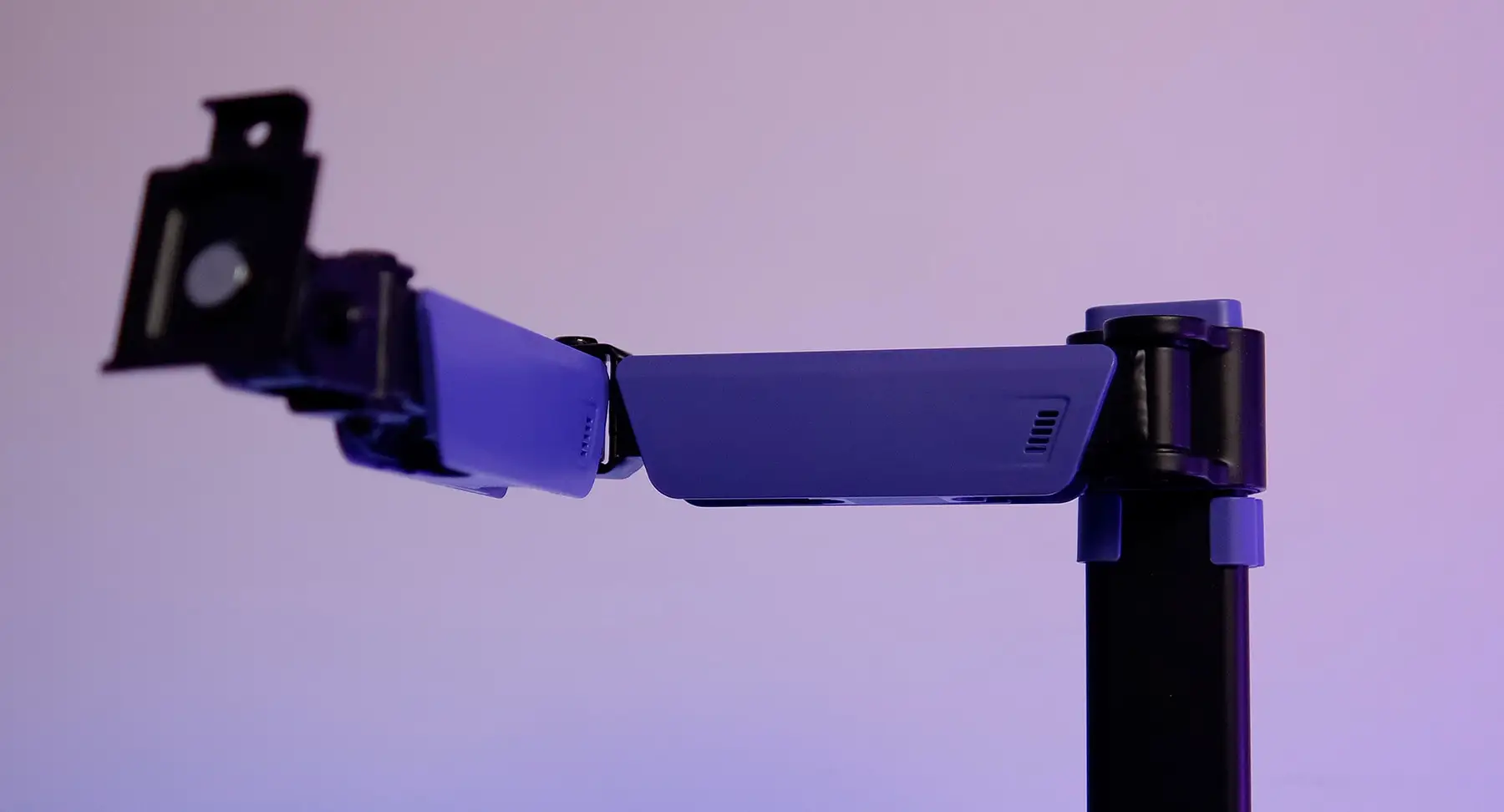
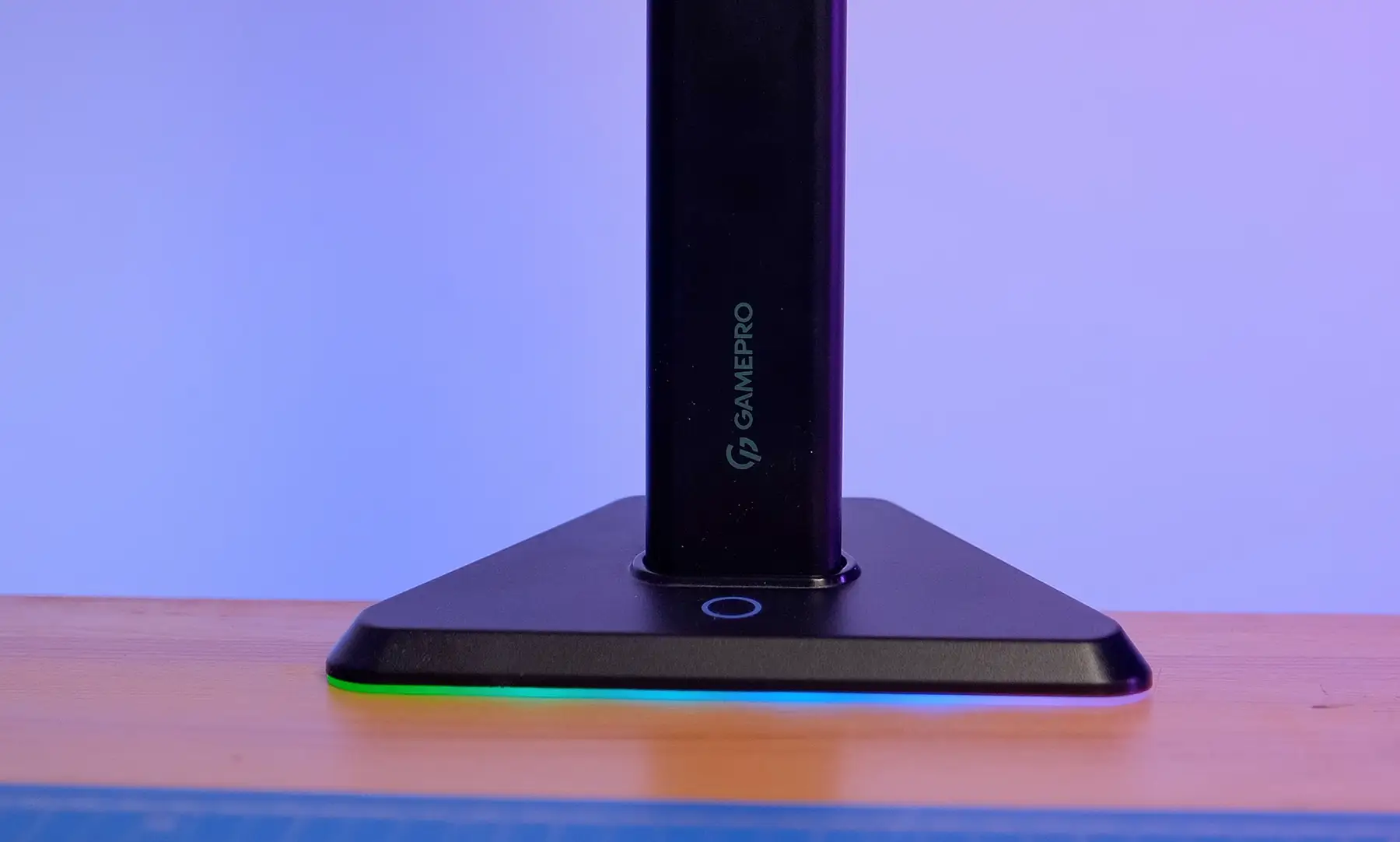
The mechanism for adjusting the screen's position is based on clamping screws. The user can loosen or fix them in the desired position, changing the tilt up to 60° and the rotation angle up to 180°. This is convenient when you need to turn the monitor towards a colleague or move the screen aside to free up space on the desk.
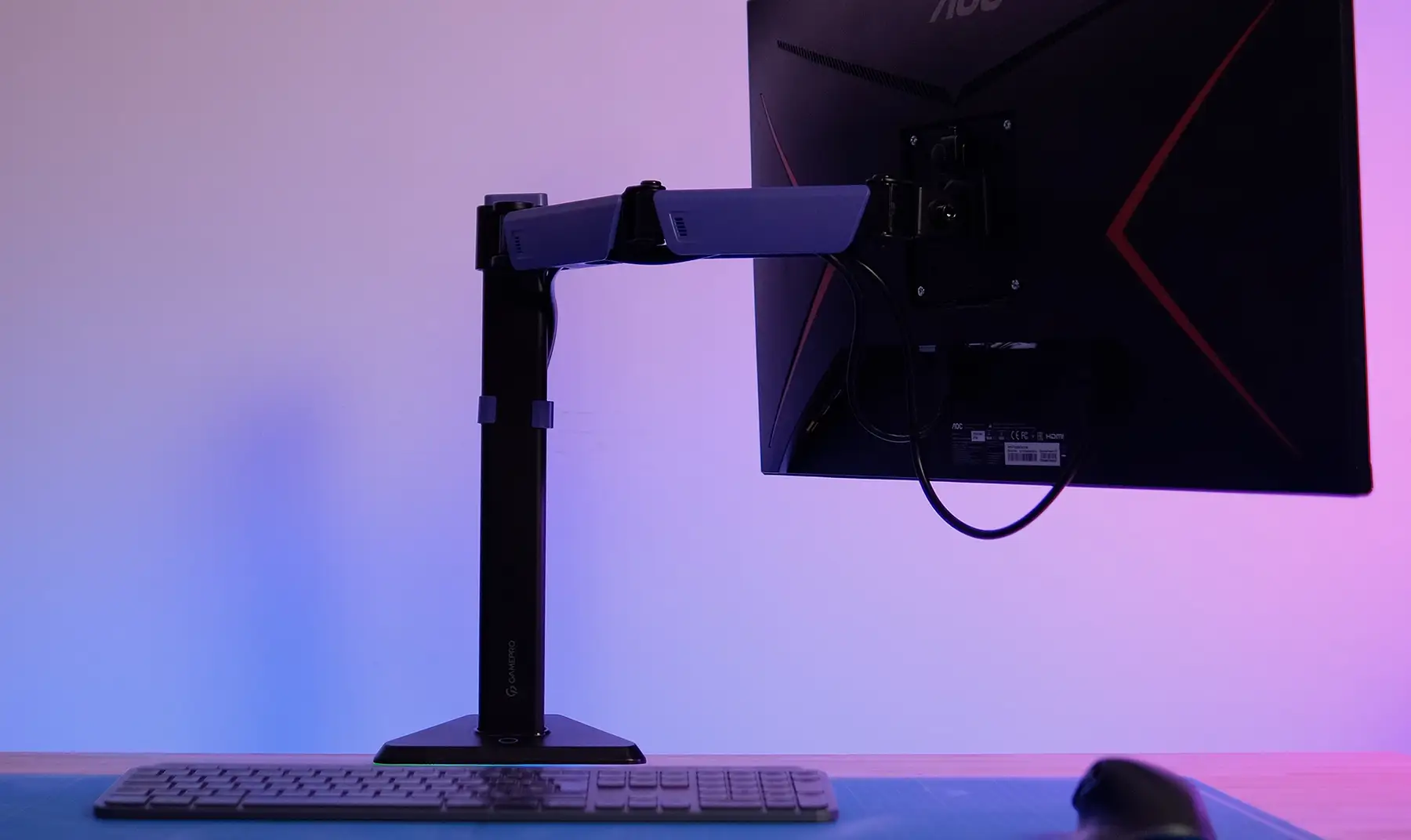
The mount is compliant with VESA standards of 75×75 and 100×100 mm, ensuring compatibility with most monitors on the market. The internal cable management allows for neat cable concealment, and due to its universal design, the mount fits table tops with a thickness of 10 to 80 mm. Everything is easy to assemble — screws, tools, instructions, and even monitor mounts are included.
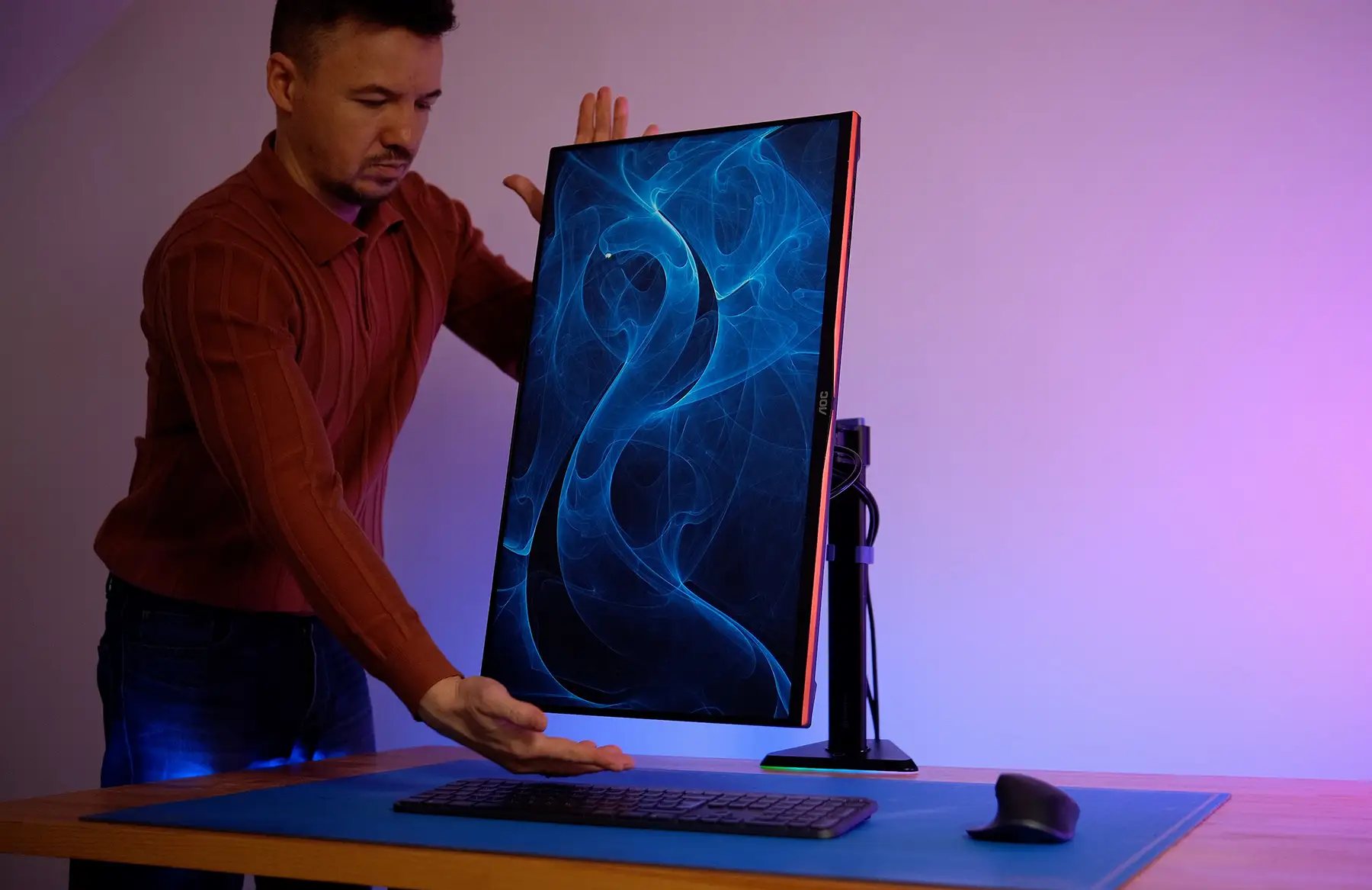
The GamePro MAG101V is a solution for those who want not just a functional stand but also an aesthetically pleasing design for their workspace. The backlighting adds atmosphere, and the metal casing ensures stability and durability.
OfficePro MA601G — Smoothness and Reliability
The next model, OfficePro MA601G, demonstrates a different approach: minimal decorative elements, maximum ergonomics. The manufacturer positions this series as a professional solution for offices and home workspaces where reliability and thoughtful design are valued.
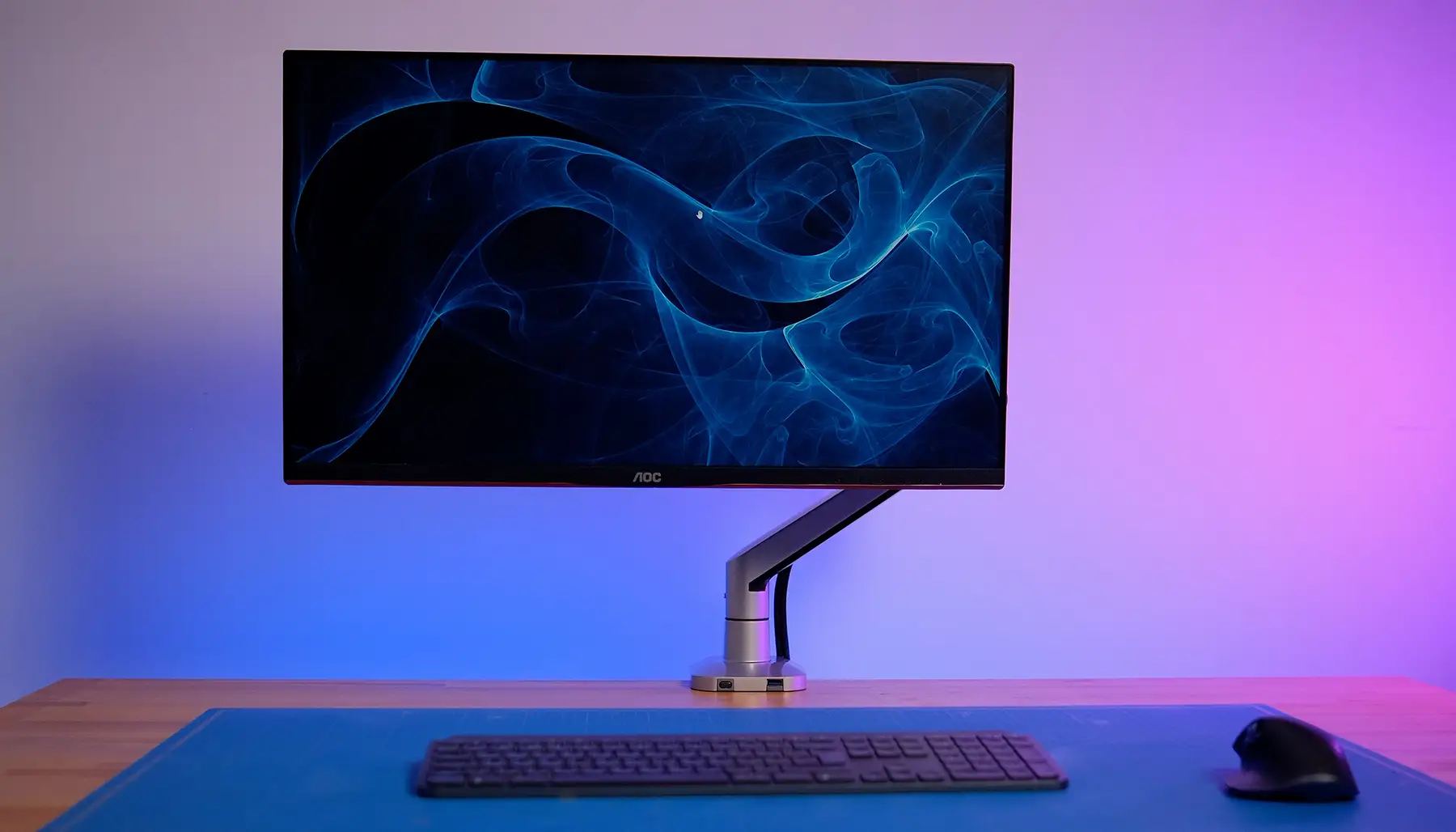
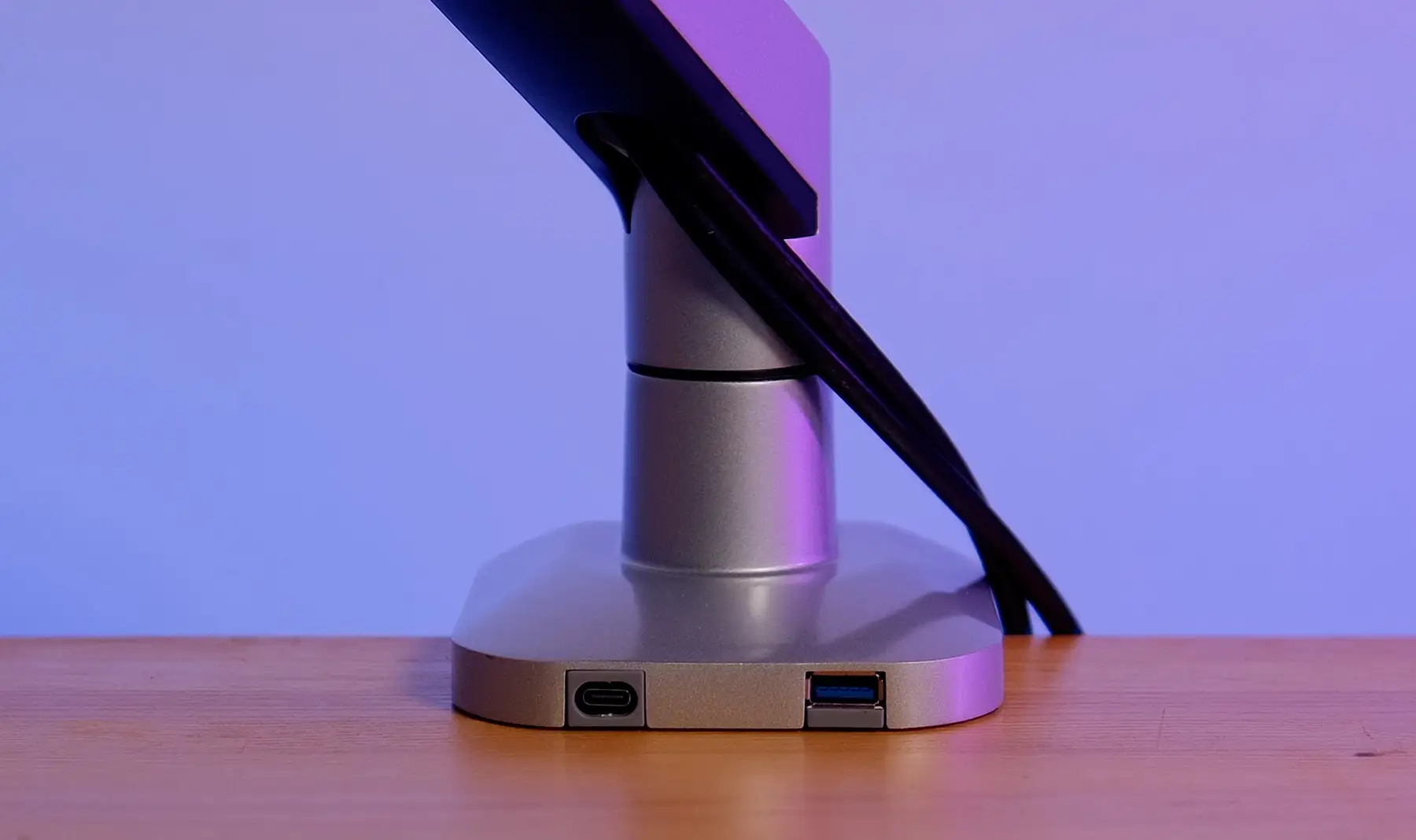
The casing combines aluminum, steel, and plastic, making the mount both lightweight and strong. Instead of traditional springs, a one-sided support system is used to smoothly adjust the height and tilt of the monitor without jerks and extra effort. This is particularly noticeable with daily use — the screen position changes almost silently and precisely locks in the selected point.
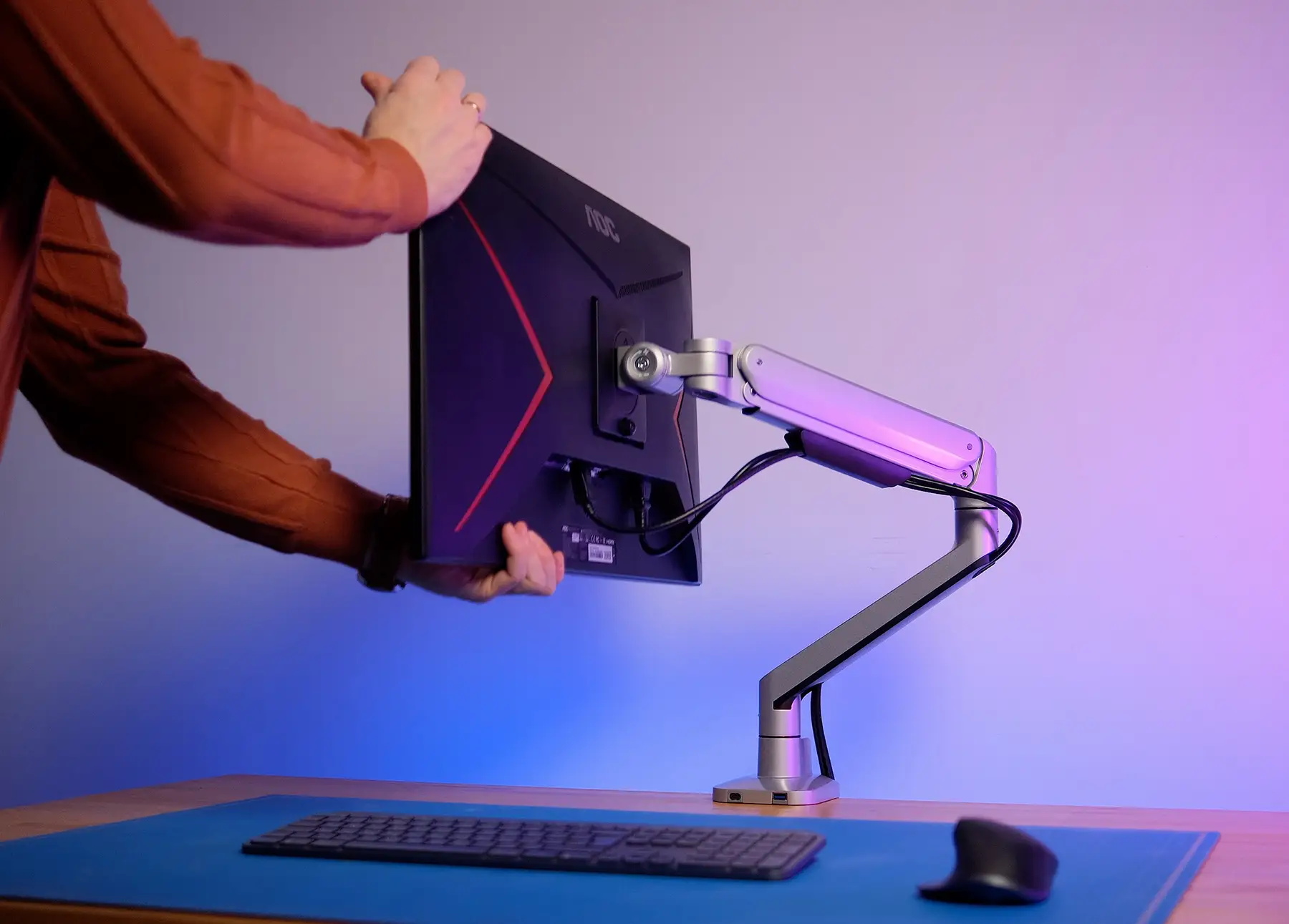
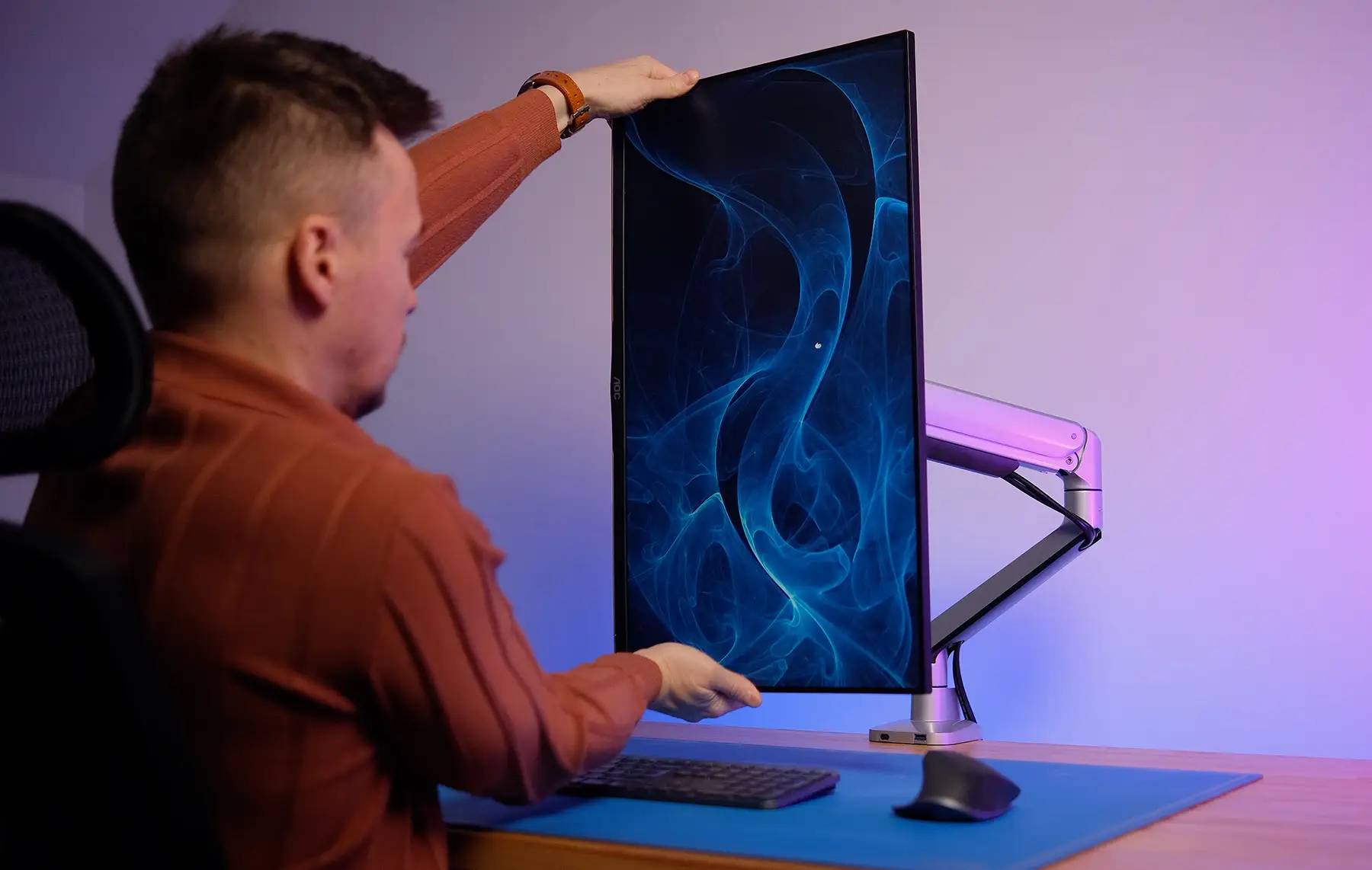
This model has passed 50,000 cycles of wear testing, confirming its reliability. The mount supports loads of up to 12 kg and monitors with a diagonal from 14 to 40 inches. A quick-release panel is used for installation: it first attaches to the monitor and then easily installs onto the main structure — everything can be done by yourself without external assistance.
Another advantage is the integrated USB-A and USB-C ports at the bottom. They are convenient for charging a phone or connecting a flash drive. All cables can be neatly concealed in special channels running along the casing. This helps maintain order on the desk, even if you are using multiple devices.
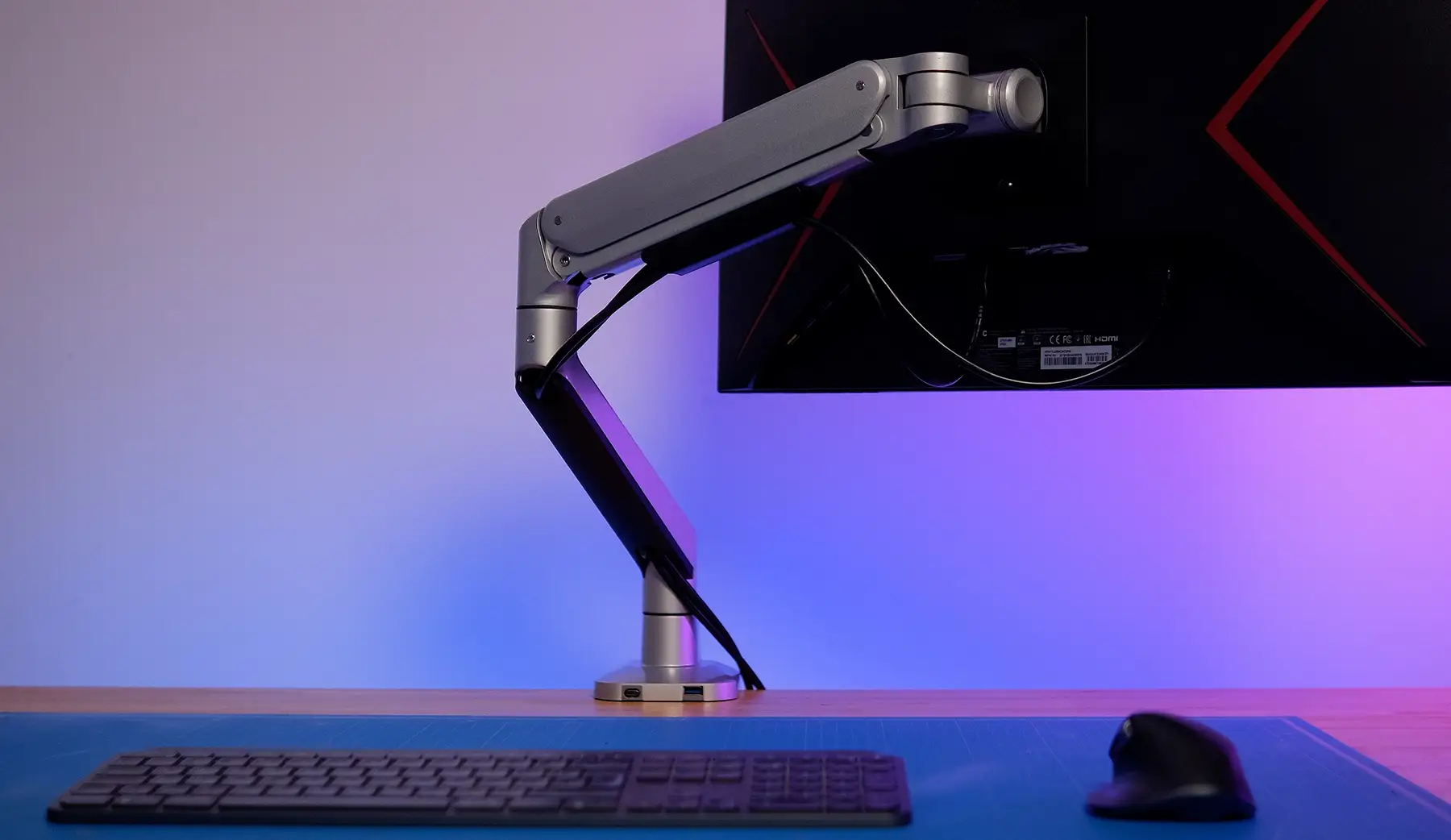
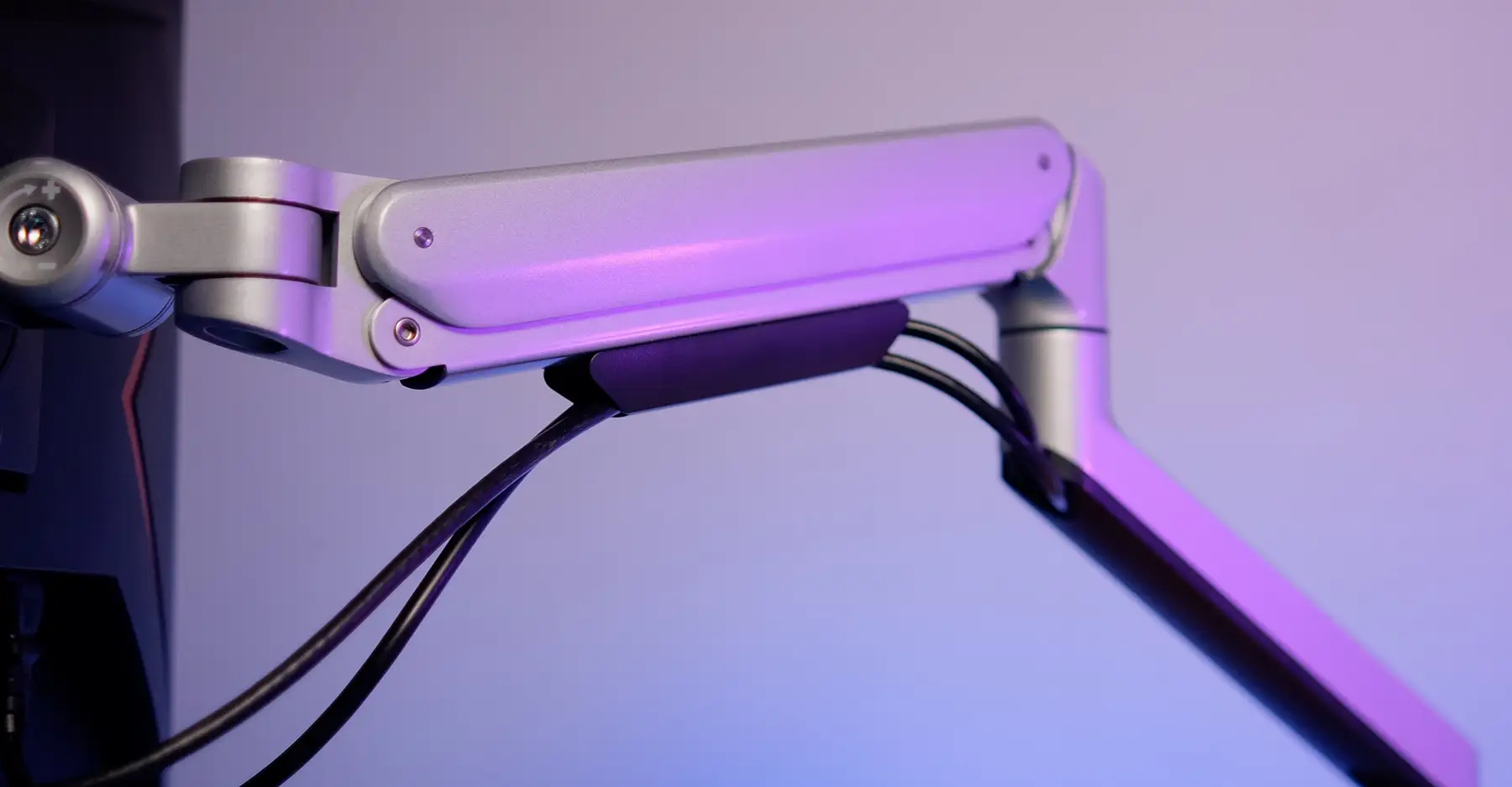
The functionality of the MA601G will satisfy most needs: tilt, rotation, height, and depth adjustment. The mount complies with VESA standards of 75×75 and 100×100 mm, so there will be no compatibility issues. In a metallic color, the mount looks restrained and universal — it will fit any modern interior.
OfficePro MAH752W — Dual Space Control
The third model, OfficePro MAH752W, is designed for those who work with multiple displays or seek to combine a monitor and a laptop into a single system. This is a dual mount with two moving sections, each of which can be adjusted independently.
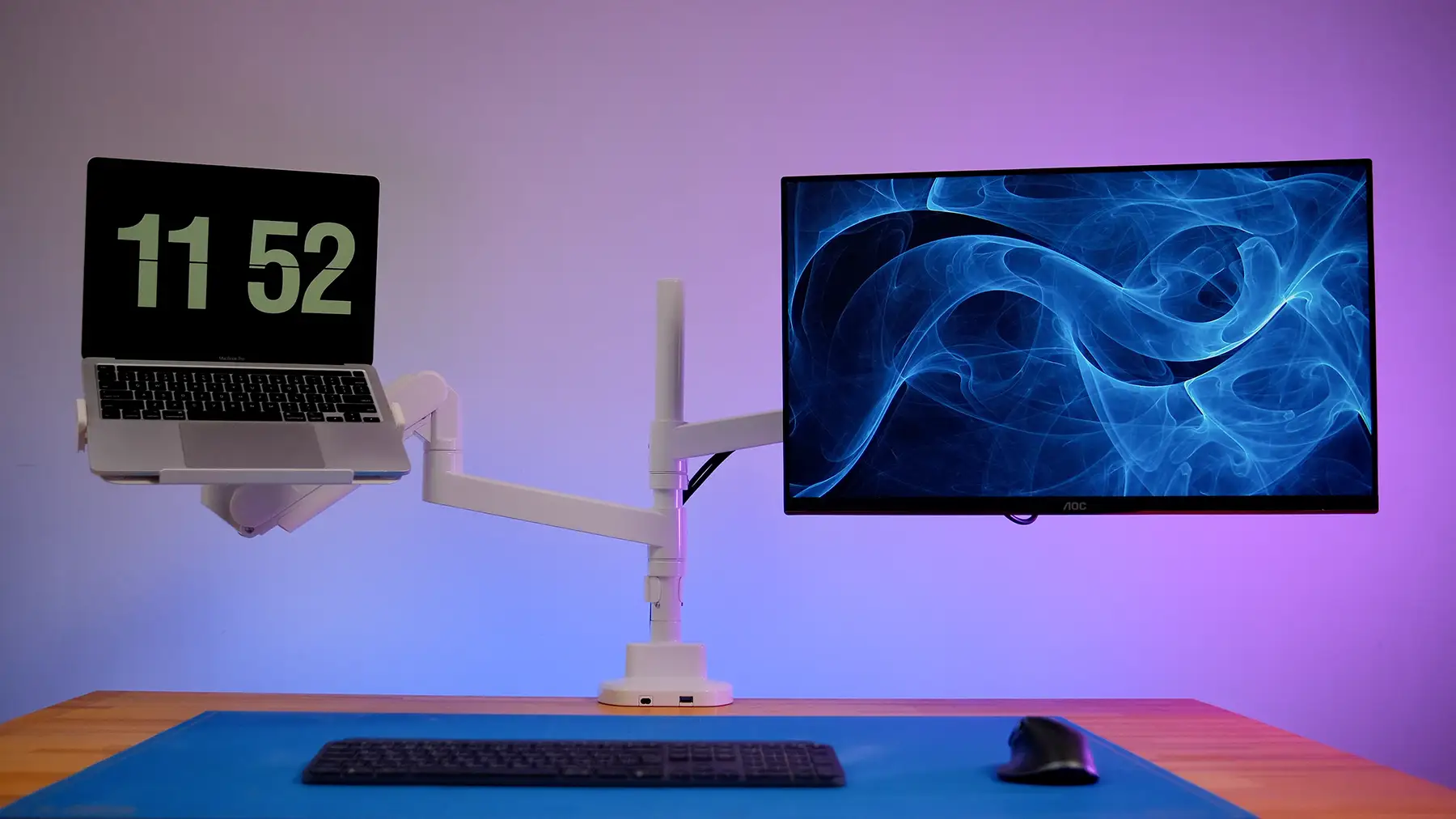
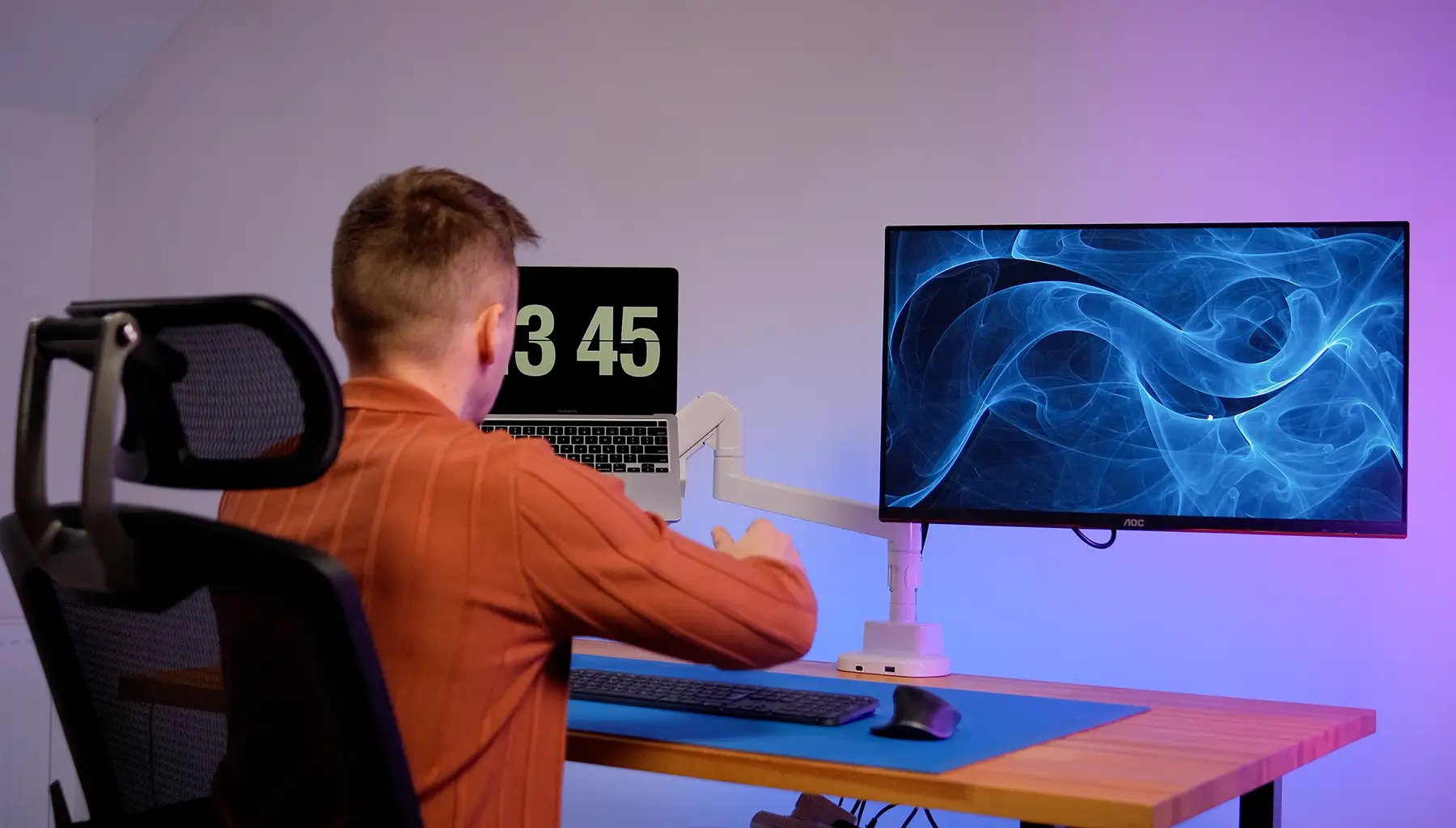
The user has five directions of adjustment: height, depth, tilt, rotation, and pivot. Each segment has locks that can be left loosened for quick repositioning of the screens without tools. This is especially useful for designers, analysts, or developers who frequently switch between tasks.
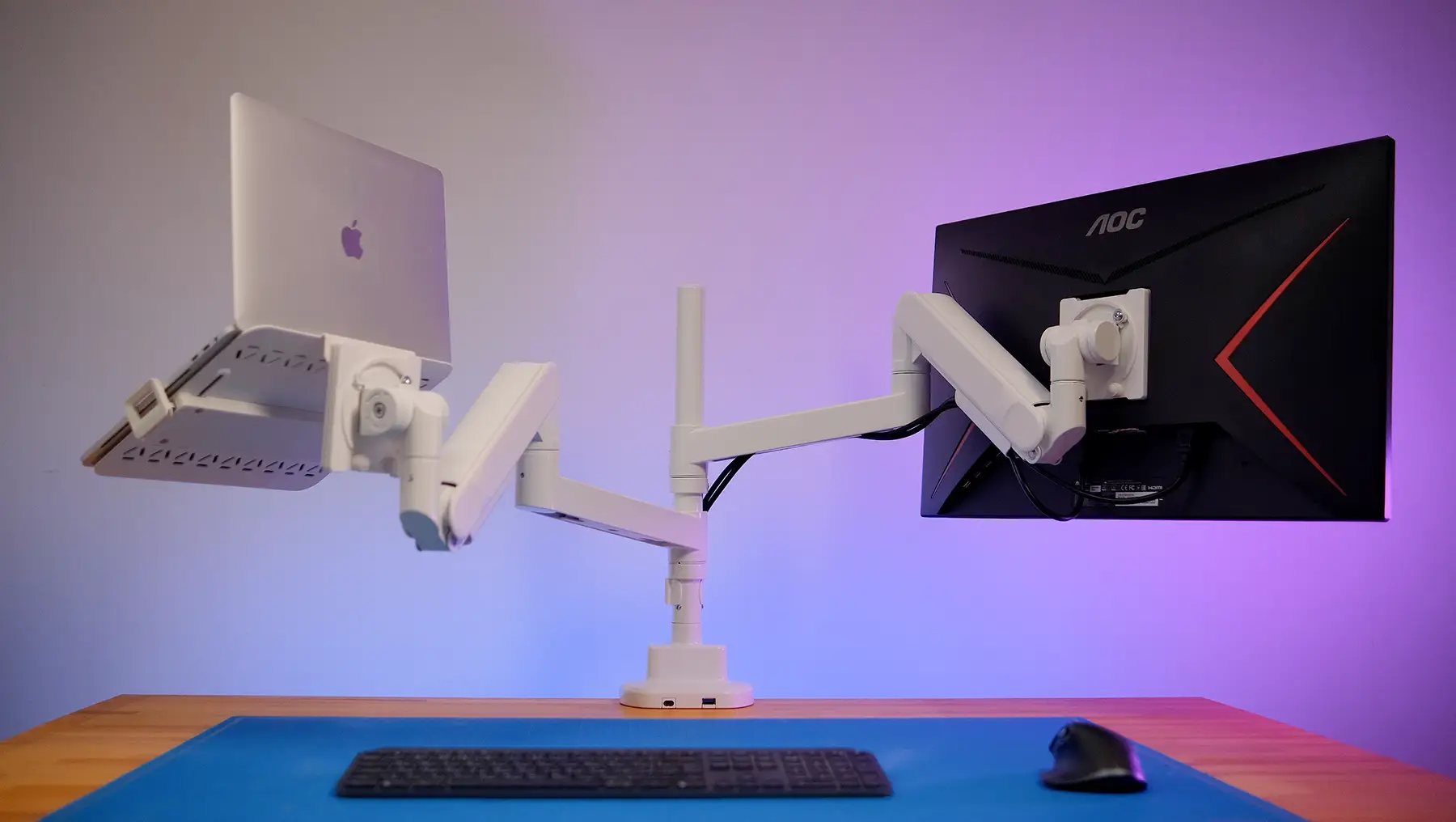
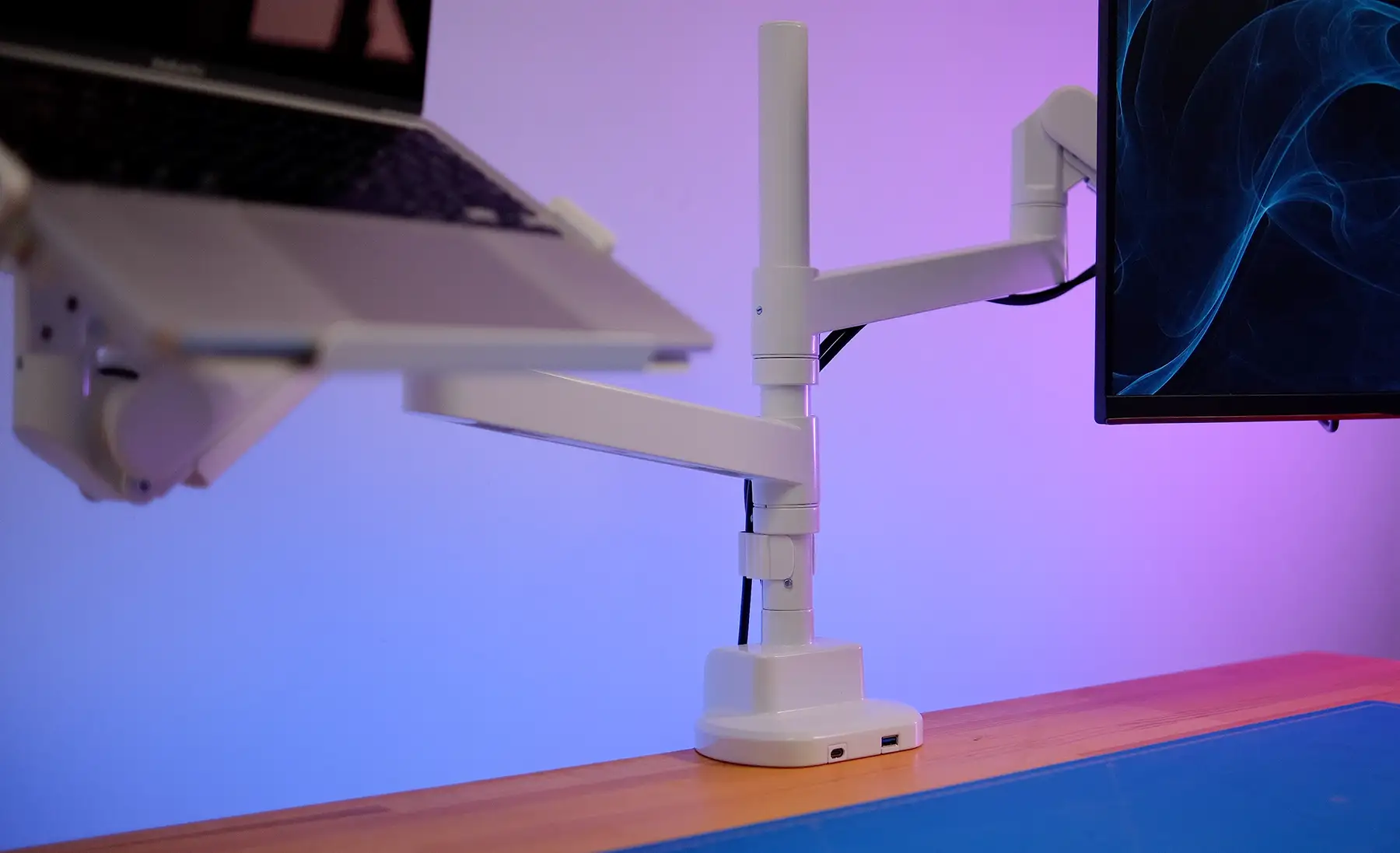
The MAH752W supports monitors with a diagonal of up to 57 inches and a load of up to 27 kg — a figure rarely found in consumer models. It supports VESA standards of 75×75, 100×100, and 200×200 mm, allowing even large screens to be easily installed.
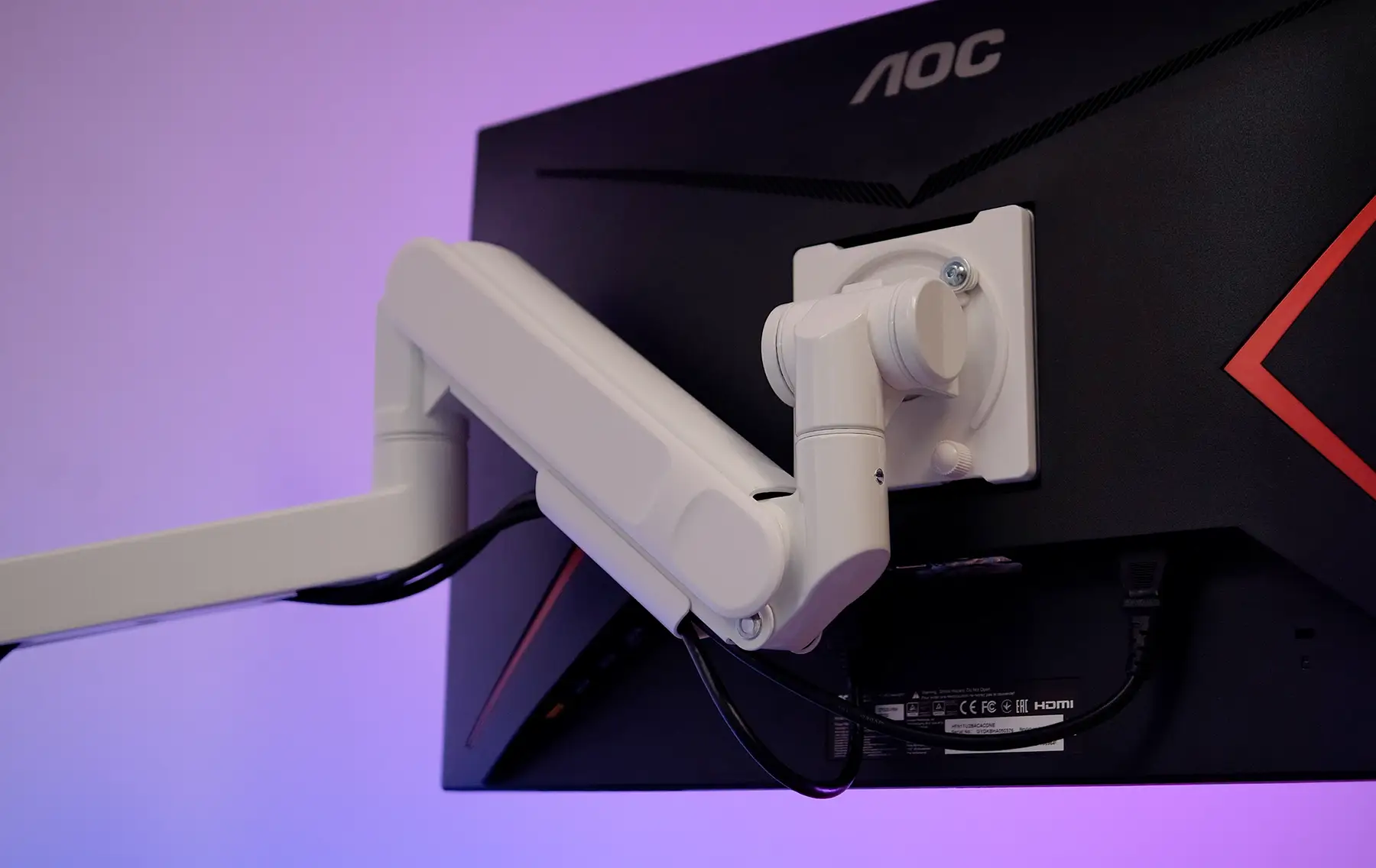
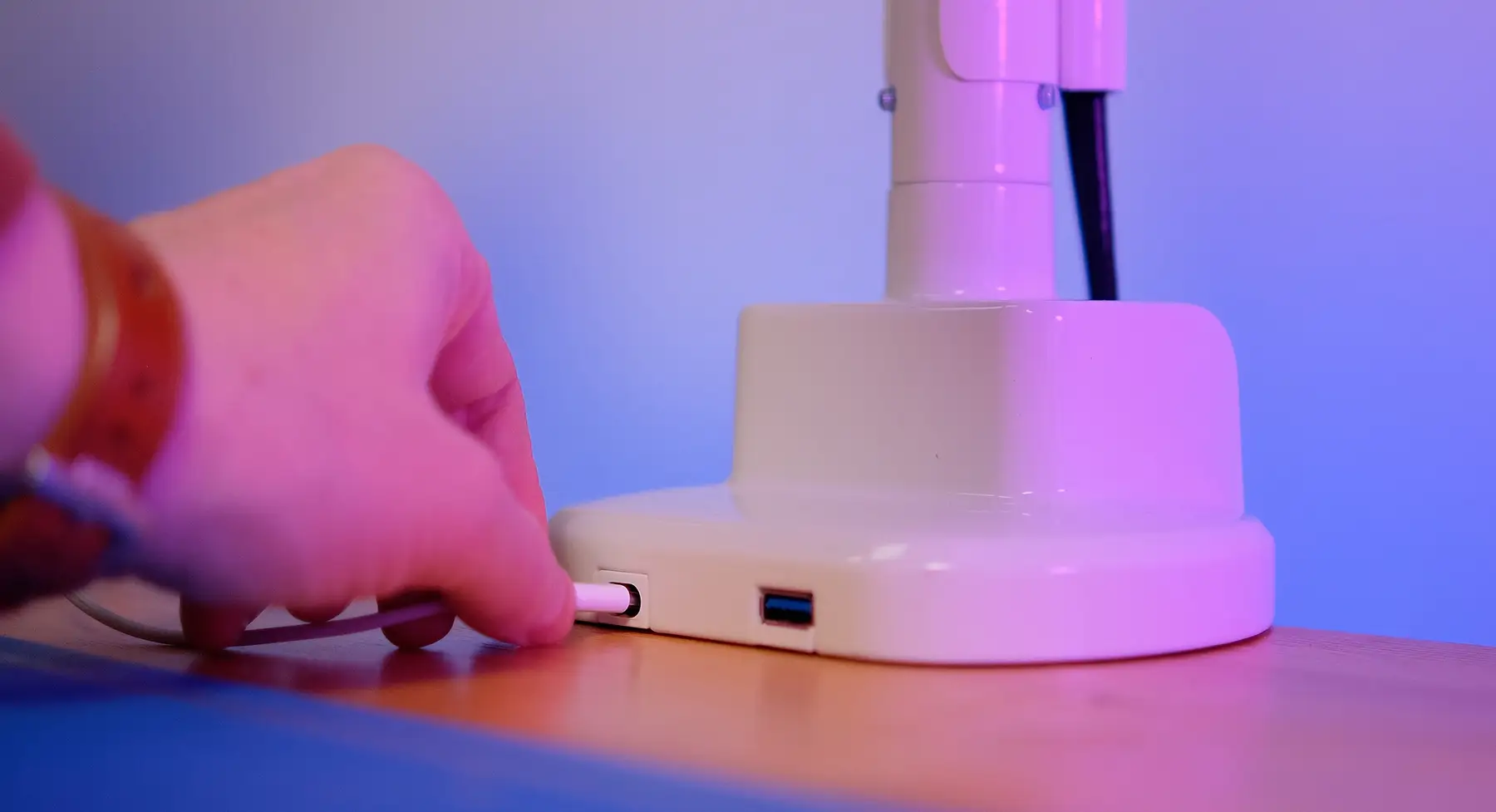
The white color gives the model elegance — this mount looks harmonious both in minimalist spaces and in classic office interiors. The manufacturer also provided two USB ports (A and C), making the construction even more practical.
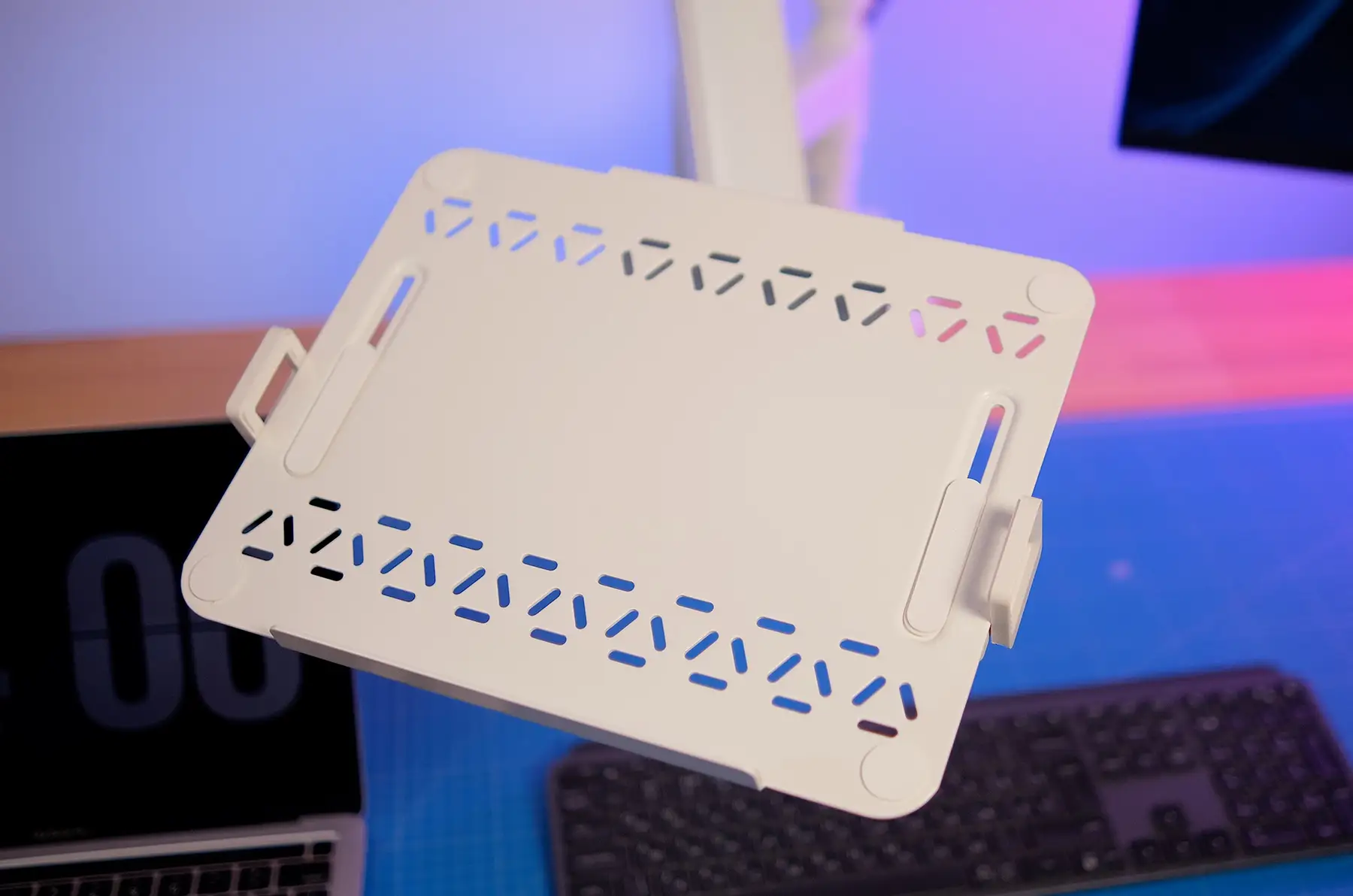
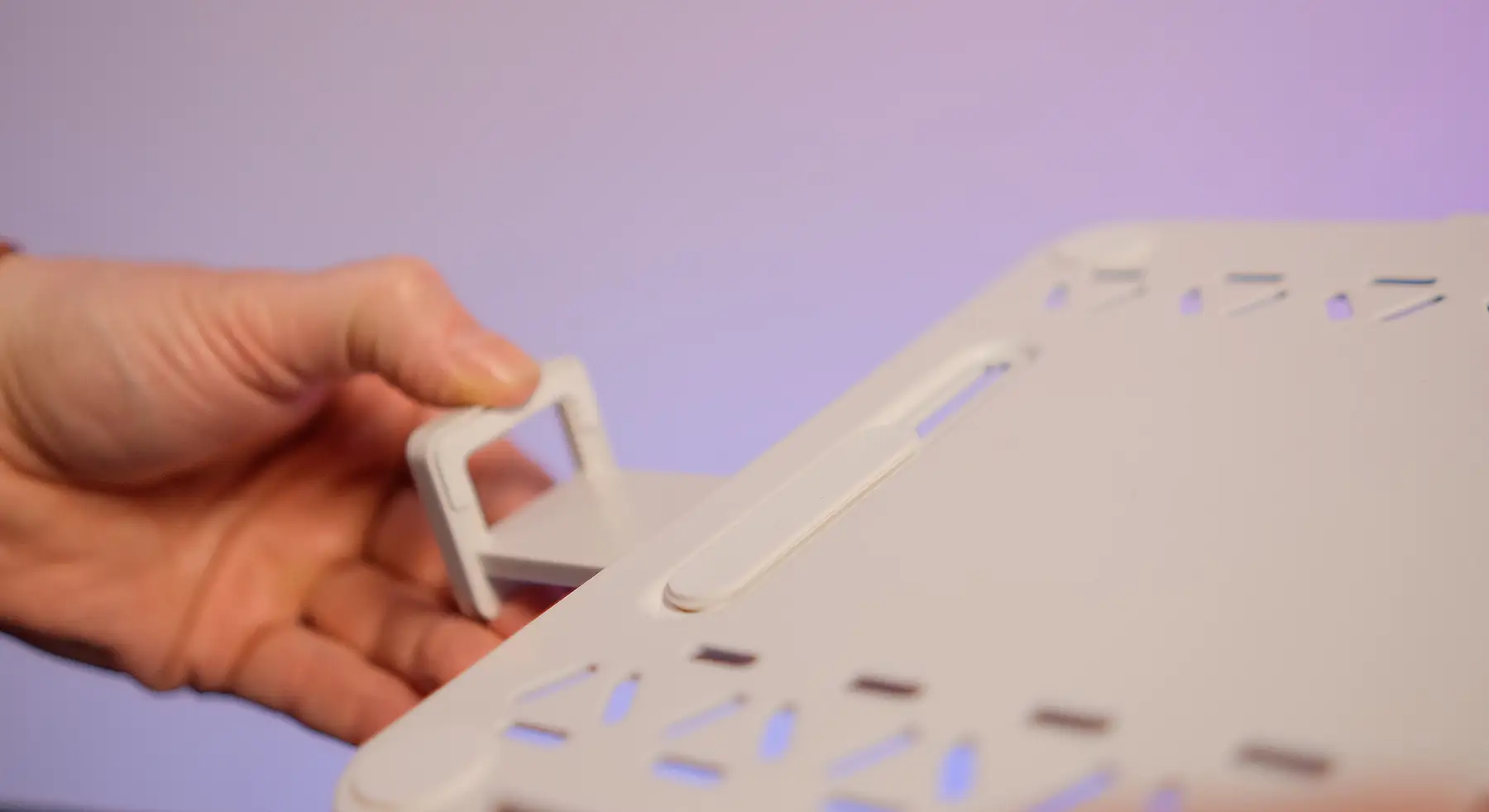
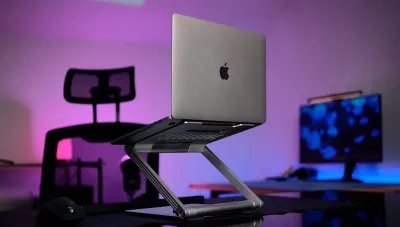
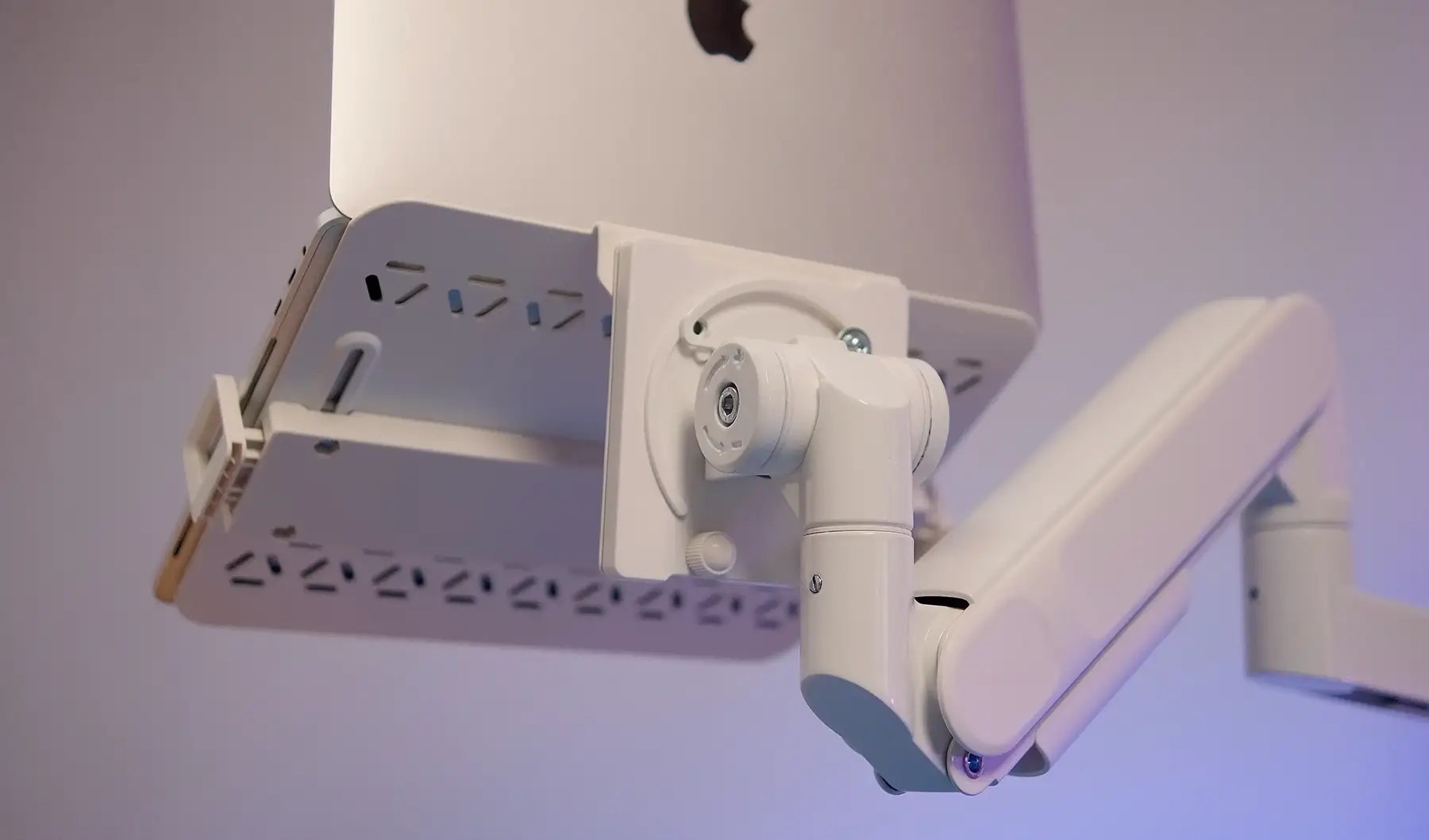
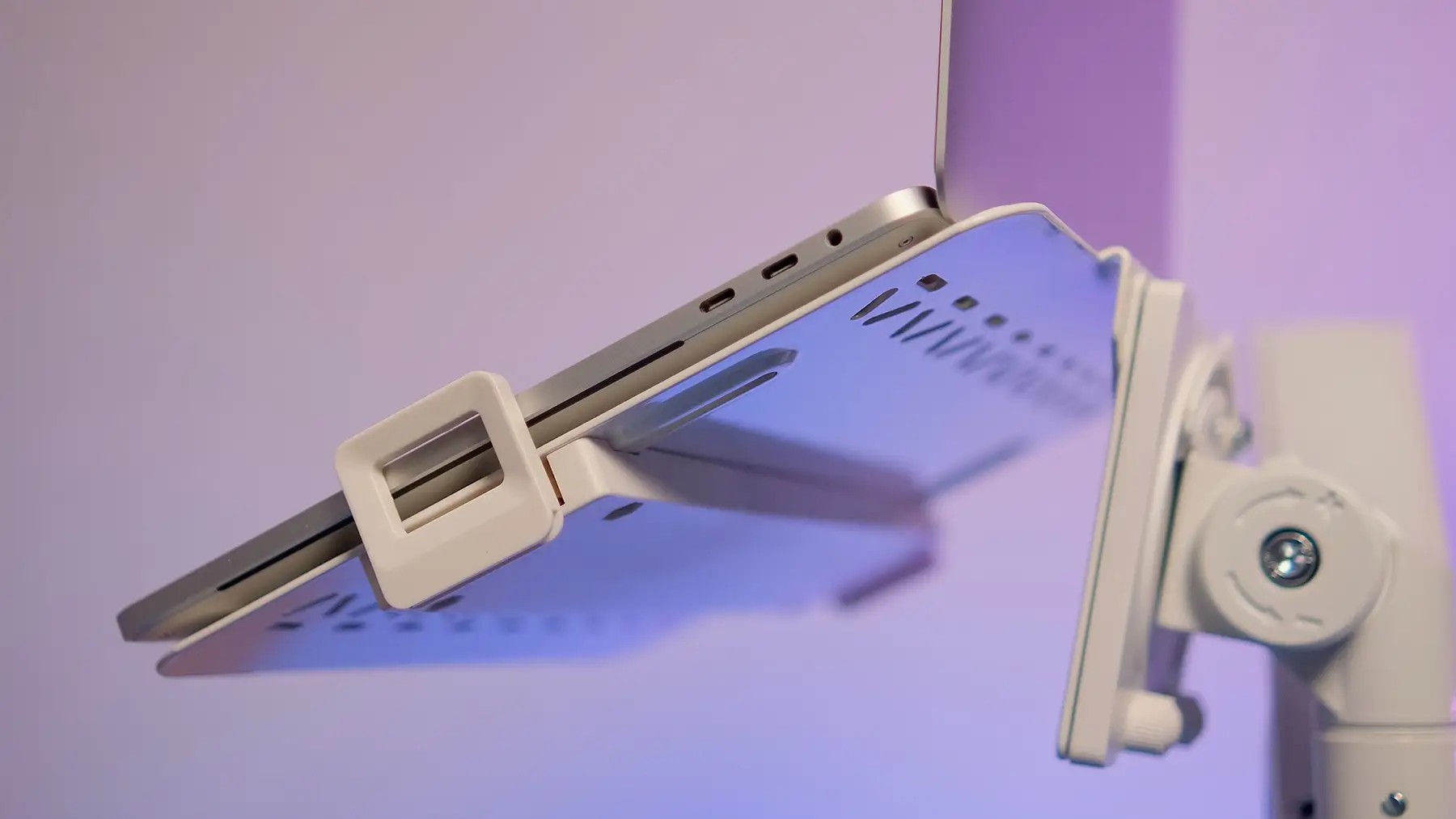
For those who want to place a laptop next to it, a holder OfficePro LH340 is available — an accessory that simply attaches to one of the branches of the mount. It supports laptops with a diagonal of 12 to 18 inches, withstands up to 9 kg, and has rubber pads that prevent scratching the casing. All ports remain accessible, and the mount meets VESA standards.
Why You Need a Mount
At first glance, a mount may seem like an unnecessary element of a workspace. But once you try it — the difference becomes clear.
First, it’s about ergonomics: a properly installed screen reduces strain on the neck, shoulders, and back, contributes to better posture and overall well-being during long work sessions.
Secondly, it’s about space and order — the monitor is raised above the surface, freeing up space for keyboards, documents, or additional devices.
Thirdly, it’s about visual neatness: thanks to cable management, wires do not tangle and do not spoil the appearance of the workspace.
Moreover, a mount offers flexibility. You can turn the monitor towards a conversation partner during discussions, change the position for vertical orientation, or just adjust the height for comfort. These small details significantly impact daily comfort.
Conclusion
The GamePro and OfficePro mounts demonstrate how important ergonomics has become in today's digital environment. Manufacturers have thought of every detail: sturdy materials, smooth adjustments, integrated USB ports, cable management systems, and a wide range of supported screens.
The GamePro MAG101V model will be the choice for those who appreciate aesthetics and backlighting; the OfficePro MA601G will suit those looking for smoothness and reliability; while the MAH752W is perfect for professionals who need flexibility and the ability to work with two screens.
The additional holder, OfficePro LH340, allows integrating a laptop into this system, creating a full working complex.
If you seek to make your workspace more comfortable, tidy, and simultaneously functional, it is worth paying attention to such solutions. A properly selected mount is not just an accessory but a tool that improves the quality of daily work, helps maintain health, and increases efficiency.